Altiris Deployment Solution™ from Symantec User’s Guide 127
See also Remote operations using Deployment Solution on page 122.
Remote control
Multiple methods are provided to remote control managed computers. The integrated
DS remote control utility can be used on Windows computers.
Additionally, you can access the built-in Remote Desktop feature built into many
Windows operating systems directly from the Deployment Console. You can also
manually add access to other remote control utilities by modifying a configuration file.
z DS remote control (page 127)
z Remote desktop connection (page 130)
z Additional remote control programs (page 131)
DS remote control
Remote Control is a computer management feature built into the Deployment Server
Console. It lets you control all types of computers to view problems or make immediate
changes as if you were sitting at the managed computer’s screen and using its keyboard
and mouse.
Note
You cannot disable the flashing eye icon while the computer is being remotely controlled.
Before you can remotely control a managed computer:
z The managed computer must have the Altiris Agent for Windows installed and
properly set up.
z The client must have the appropriate Proxy option selected in Altiris Client
Properties. See Proxy on page 115.
z The client and Deployment Server Console must be able to communicate to each
other through TCP/IP.
To remotely control a managed computer
1. Right-click a computer and click Remote Control > DS Remote Control.
This opens the Remote Control window displaying the managed computer’s
screen.
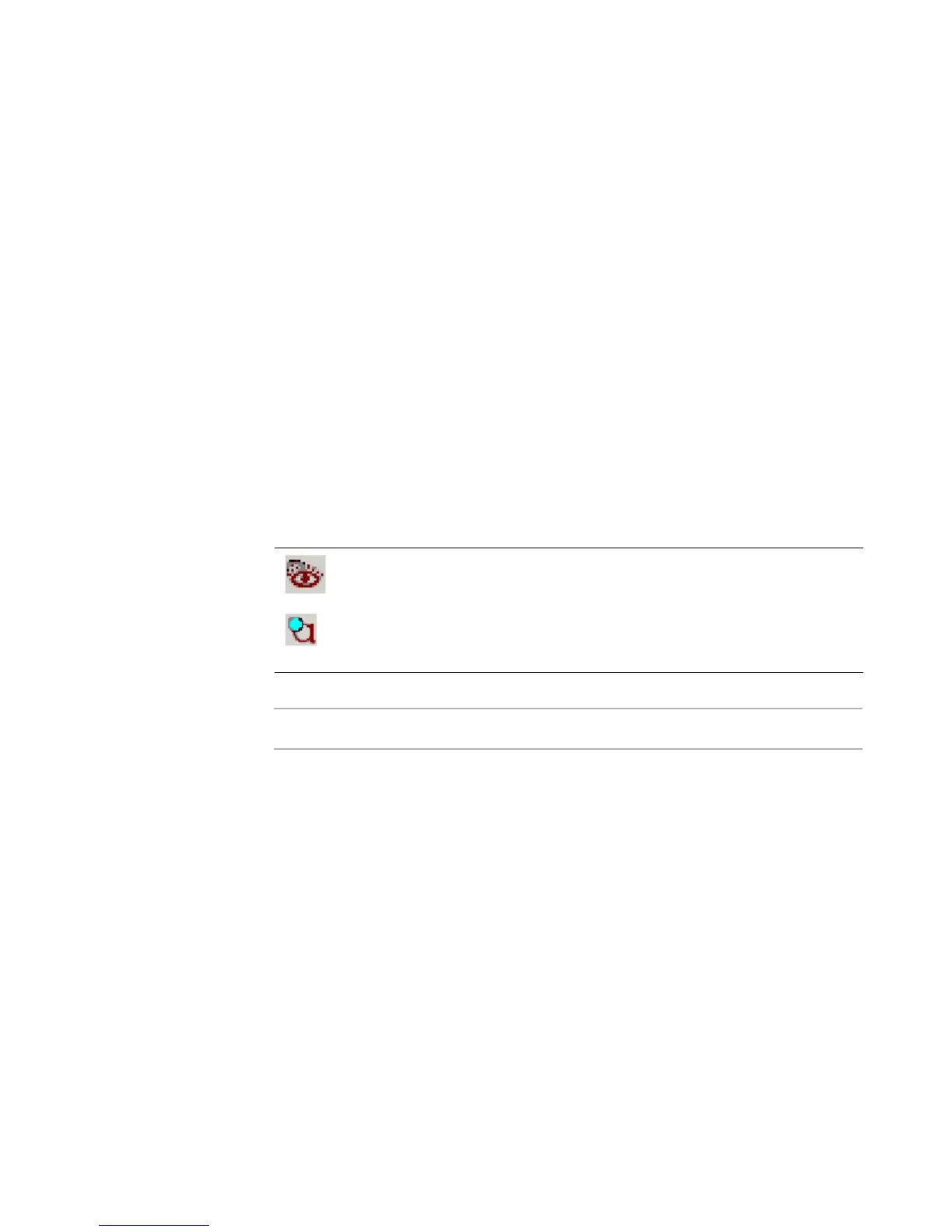
When a managed computer is being remotely controlled, the Deployment
Agent icon in the managed computer’s system tray flashes these two icons
alternately.
Remote Control also provides Chat, Refresh, , Send File, and
Ctrl+Alt+Delete features to assist in managing computers from the
console. See Chat on page 132 and Copying a file on page 188.




 To Next Page