Altiris Deployment Solution™ from Symantec User’s Guide 77
You can select which columns to view. The following columns are available, but do not
appear:
z Automation Partition
z CPU
z Domain name
z IP address
z MAC address
To view Inventory columns
1. Right-click the Inventory pane. The Manage Inventory Columns dialog appears.
2. You can add columns to either the Selected columns list or the Available columns
list by clicking the required arrows.
3. Click OK.
Toolbars and utilities
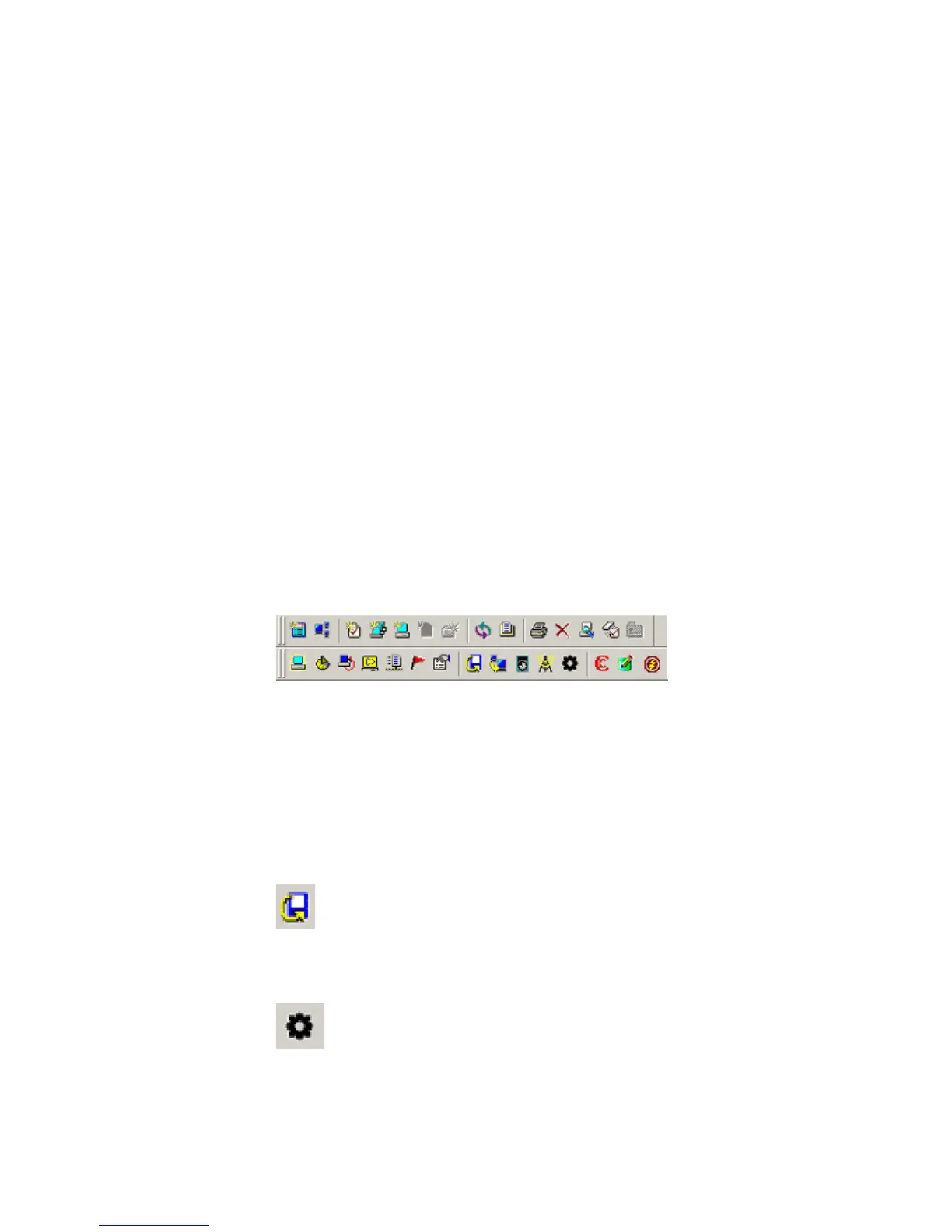
The toolbars and menus on the Deployment Console provide major features and utility
tools to deploy and manage computers from the console. From the Main toolbar, you
can create new jobs and computer accounts and run basic deployment tasks. On the
Tools toolbar, you can launch Deployment Solution administration tools and package
editing tools. It also includes icons to quickly run commonly used remote operations.
See Remote operations using Deployment Solution on page 122.
Deployment Solution utility tools
The Deployment Console lets you open utility programs from the Tools menu or from
the Tools toolbar. You can launch Deployment Solution administration tools (Boot Disk
Creator, PXE Configuration, Wise SetupCapture and Remote Agent Installer) and
package editing tools (Wise MSI Editor, PC Transplant Editor, and Image Explorer) from
the toolbar.
Administration tools
Boot Disk Creator. Use this tool to create boot disk configurations, and
automation and network boot media to image client computers. The Boot Disk Creator
can maintain several different boot disk configurations for different types of network
adapter cards. See Altiris Boot Disk Creator help.
PXE Configuration. After installing the PXE Server, you can create and modify
configurations, which make up the boot menu options that appear on client computers.
This is another another option to boot computers to automation. See the Altiris PXE
Configuration help.




 To Next Page