Altiris Deployment Solution™ from Symantec User’s Guide 12
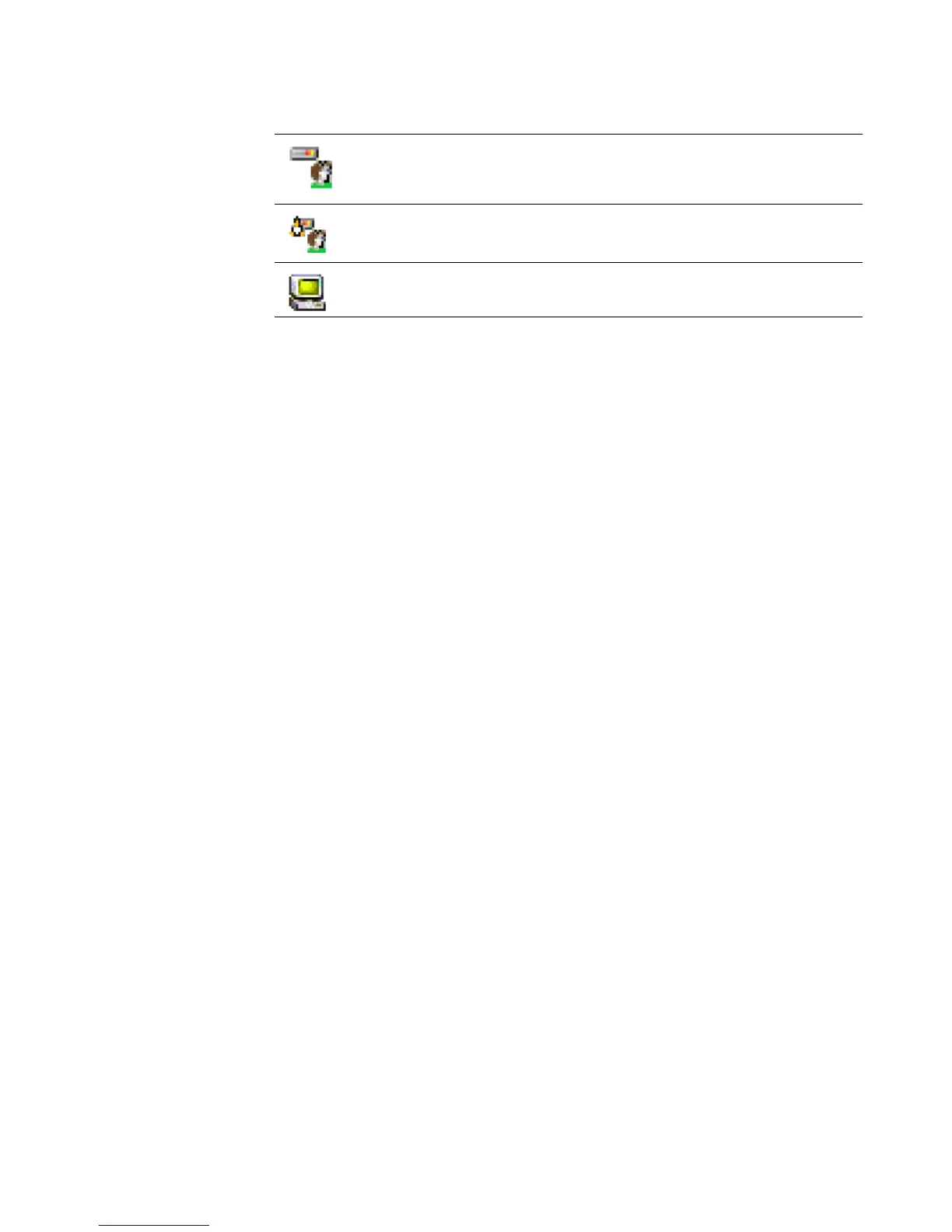
Additional icons represent deployment status, inactive computers, computers running a
deployment job, and new computers.
See Viewing computer details on page 96.
Immediate management access from the console
From a Deployment Console, you can select a computer and start various computer
configuration and management operations for a specific computer in your system. You
can create new deployment tasks, restart, restore the hard drive, view deployment
history, and perform other advanced tasks using the commands on this menu. Some
operations—such as changing configuration settings, copying files, and creating quick
disk images—create job files automatically.
See Remote operations using Deployment Solution on page 122. For complete
information about Deployment Consoles, see Managing from the deployment console on
page 10.
Building and scheduling deployment jobs
Jobs are designed as objects with defined deployment tasks. Jobs can be built,
organized, and scheduled to run on selected computers or computer groups from a
Deployment Console. Jobs automate both simple and complex IT administrative duties
— from complete deployment and migration tasks to simple DOS commands and
modification of configuration settings. You can build and schedule jobs from any of the
Deployment Consoles.
Deployment jobs give you the ability to organize, store, and assign administration tasks
for each computer or computer group. You can create and deploy images, back up
registry files, run scripted installs, or make post-imaging changes such as adding
printers and applications. You can deploy and run packages—RIPs, images, personality
packages, MIS programs, and others—to migrate applications, configure computer
settings, deploy complete hard disk images, and much more. You can also assign jobs
with conditions to run only on defined computer types.
See on page 145.
Jobs are built in the Deployment Server Console by creating a job name (identified by a
job icon in the console) and adding predefined deployment tasks. Tasks such as
Distribute Software, Run Script, or Create Disk Image are added and executed
sequentially when scheduled to run on computers or computer groups. And even within
computer groups, different jobs can be assigned to different computer types based on
the operating system, hardware, or other specified conditions.
See Deployment tasks on page 155.
This icon identifies a managed Windows network or Web server that is
active and has a user logged on.
This icon identifies a Linux computer.
This icon identifies a pre-configured computer account with user
account settings that are not associated with a new computer.




 To Next Page