Altiris Deployment Solution™ from Symantec User’s Guide 133
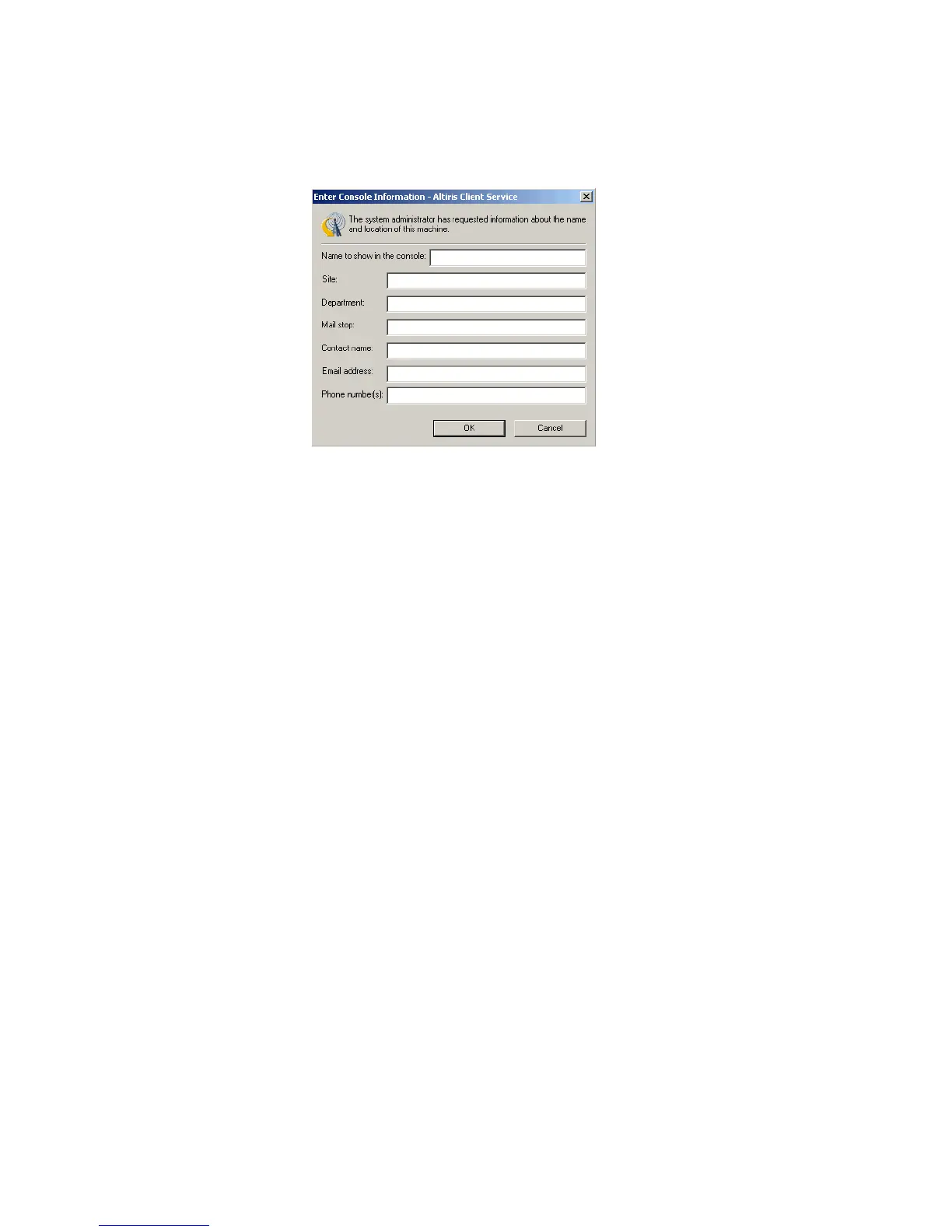
The properties form appears for the logged-on user of the computer, asking for
location properties.
When the user enters information and selects OK, the Location properties in the
Computer Properties field are updated for the selected computer. If the user
changes the computer name, the name in the Computers pane of the Deployment
Console also changes. These settings are stored directly to the Deployment
Database.
See also Chat on page 132 and Remote operations using Deployment Solution on
page 122.
Install automation partition
When the Deployment Server sends a deployment job to client computers, tasks within
the job can be assigned the default automation pre-boot environment, or one of DOS,
Linux, or WinPE. With an embedded (recommended) or hidden automation partition
installed on the client computer’s hard disk, deployment jobs can run automatically.
You can have multiple tasks within a deployment job, and each task can be assigned to
run in a different automation environment, depending on the task and end result you
want. The following are the automation tasks you can add to the deployment jobs.
z Run script
z Create disk image
z Distribute disk image
z Scripted OS install
During the Deployment Server installation, the Pre-boot Operating System page appears
for you to select a default pre-boot operating system, which is used by Boot Disk Creator
to create the configurations that boot client computers to automation. You can install
additional pre-boot operating system files through Boot Disk Creator. See Boot Disk
Creator Help.
If you are running PXE Servers, you do not need to install an automation partition on
each client computer’s hard disk. When the Deployment Server sends a deployment job,
PXE-enabled client computers search for a PXE Server to receive the boot menu options
and the boot menu files that are required to boot to automation. See Automation Pre-
boot Environment in the Deployment Server Reference Guide.




 To Next Page