Chapter 9 Wand Emulation Interface
Introduction
This chapter describes how to set up the digital scanner with a wand emulation host when you need Wand
Emulation communication. The digital scanner connects to an external wand decoder or to a decoder integrated in
a mobile computer or Point-of-Sale (POS) terminal.
In this mode the digital scanner emulates the signal of a digital wand to make it "readable" by a wand decoder.
Throughout the programming bar code menus, asterisks (
*) indicate default values.
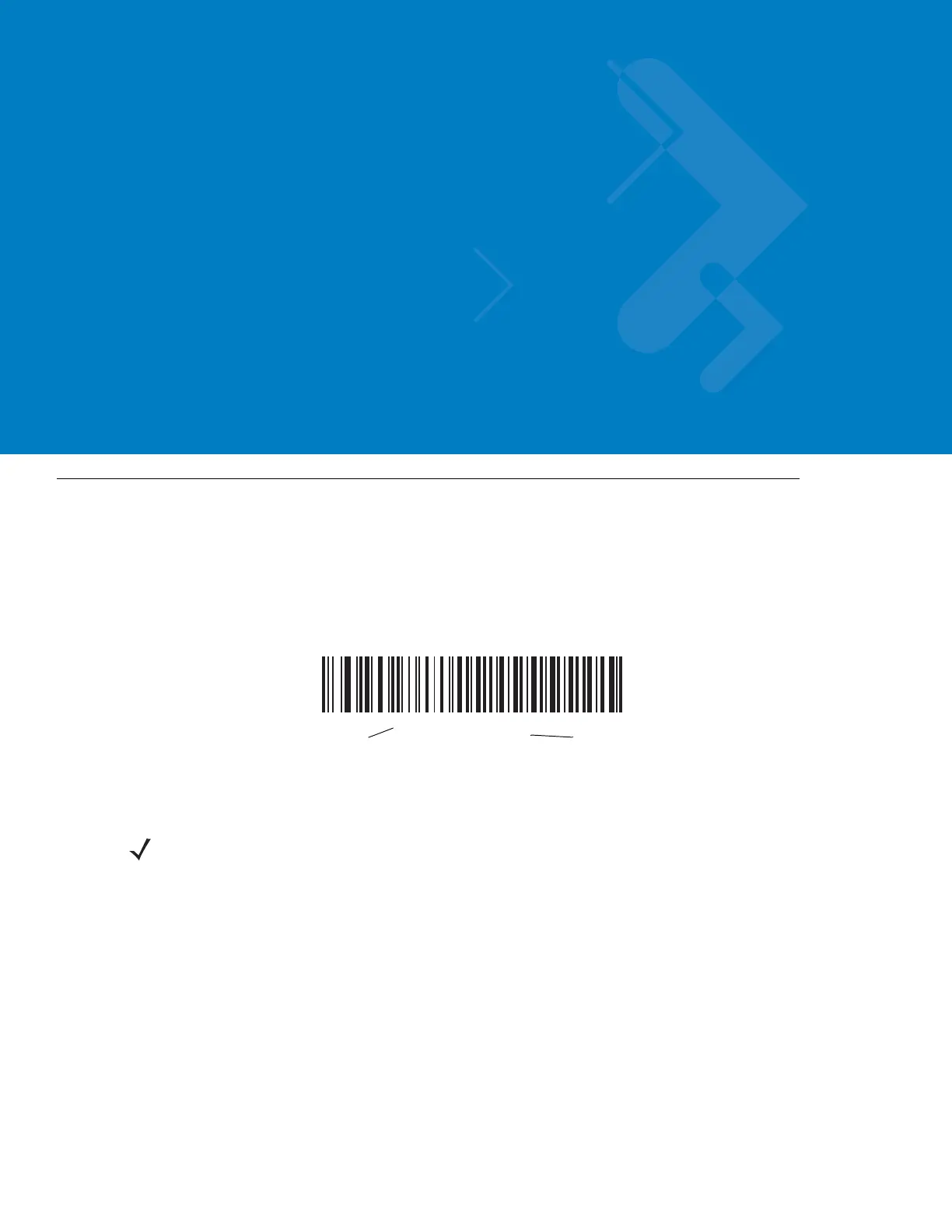
*Transmit Unknown
Characters
Feature/Option
* Indicates Default
NOTE Most computer monitors allow scanning the bar codes directly on the screen. When scanning from the
screen, be sure to set the document magnification to a level where you can see the bar code clearly, and
bars and/or spaces are not merging.



 To Next Page