15 - 22 Symbol DS6708 Digital Scanner Product Reference Guide
Specific String, Any Location
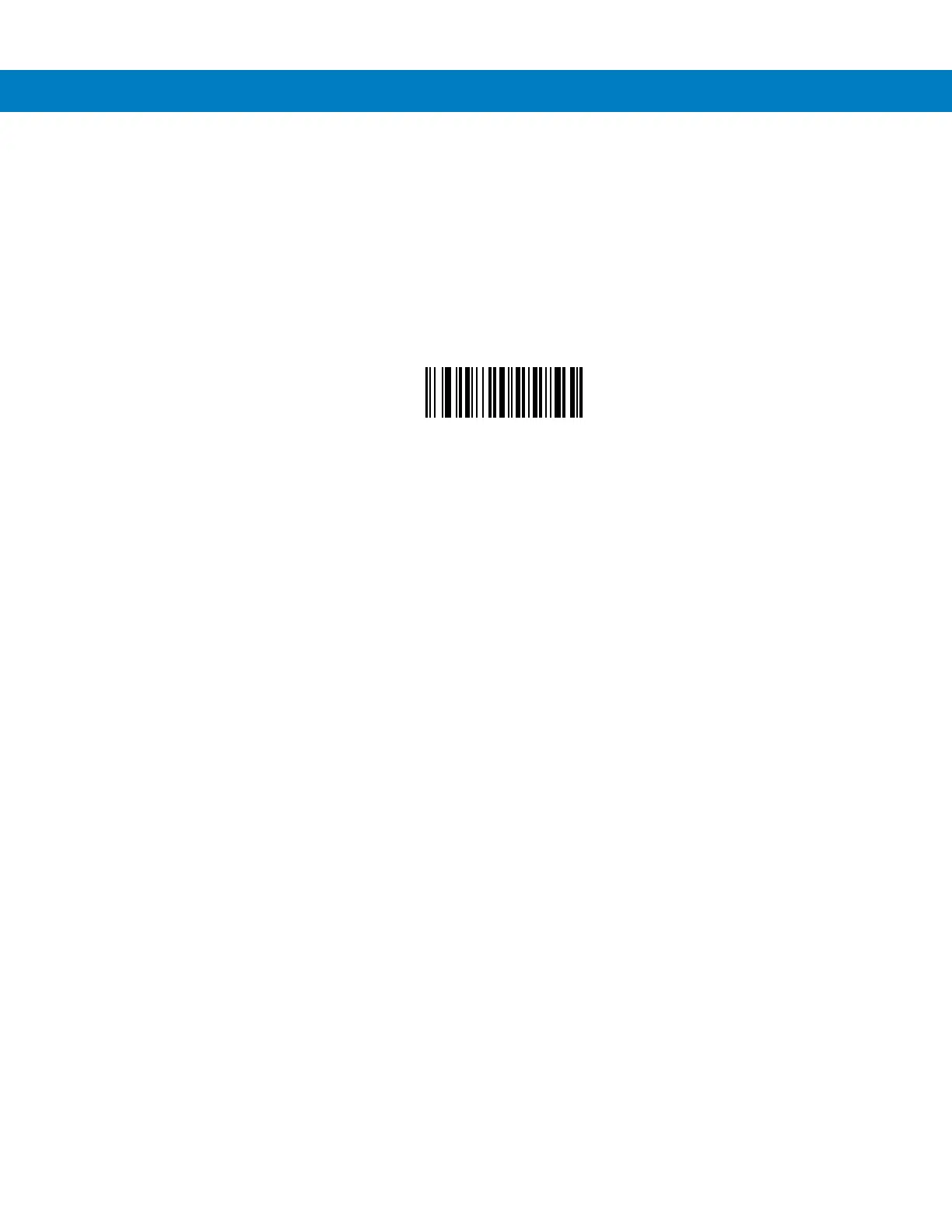
1. Scan the following bar code.
2. Enter a location by scanning a two-digit number representing the position (use a leading “zero” if necessary)
using the Numeric Keypad on page 15-23.
3. Scan the bar codes representing the desired character or characters (up to a total of 8) using the Alphanumeric
Keyboard on page 15-89.
4. Scan End of Message bar code on page 15-98.
Specific String Any Location
Any Message OK
Do not scan any bar code to format all selected code types, regardless of information contained.



 To Next Page