USB Interface 6 - 3
5. To modify any other parameter options, scan the appropriate bar codes in this chapter.
If problems occur with the system, see Troubleshooting on page 3-2.
USB Parameter Defaults
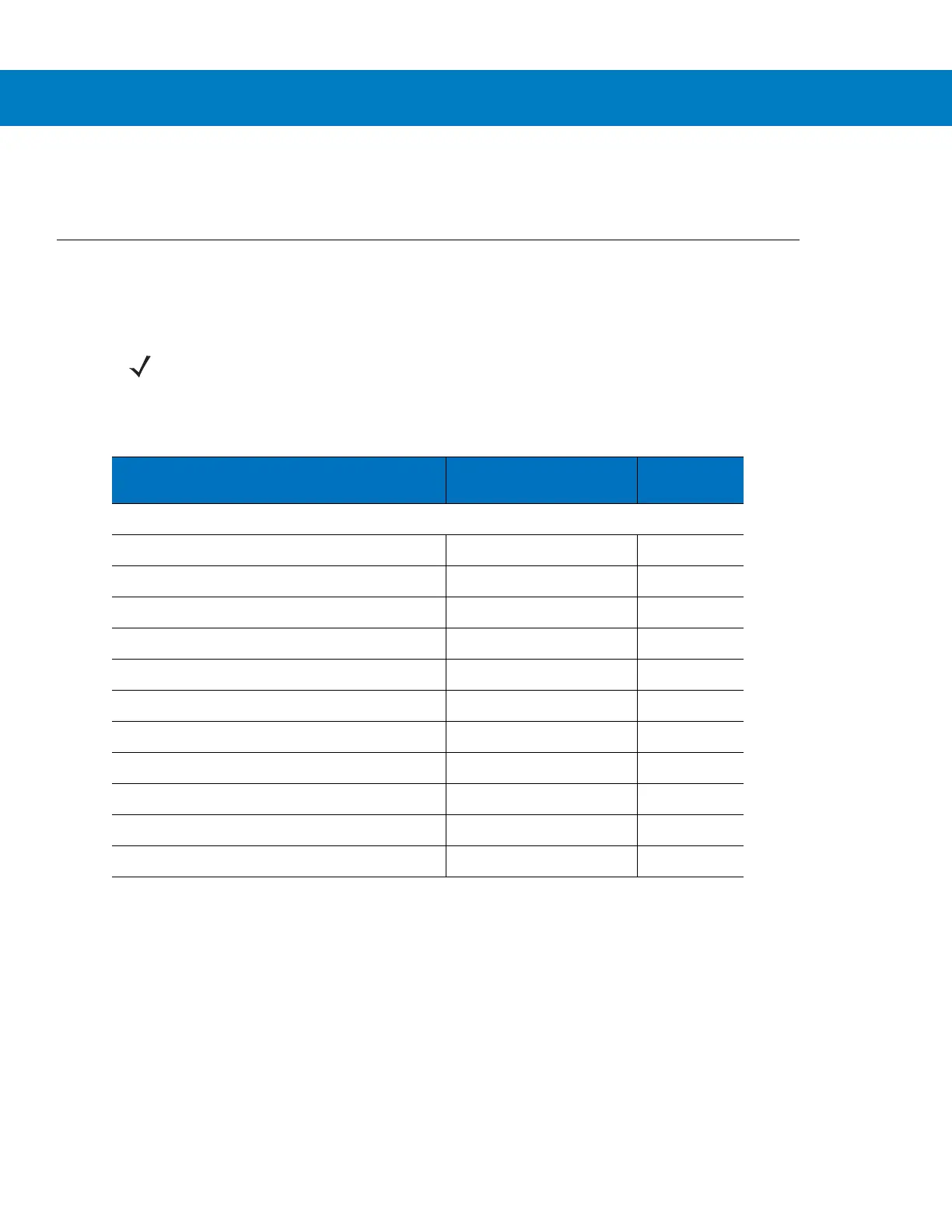
Table 6-1 lists the defaults for USB host parameters. To change any option, scan the appropriate bar code(s)
provided in the Parameter Descriptions section beginning on page 6-4.
NOTE See Appendix A, Standard Default Parameters for all user preferences, hosts, symbologies, and
miscellaneous default parameters.
Table 6-1
USB Interface Parameter Defaults
Parameter Default
Page
Number
USB Host Parameters
USB Device Type HID Keyboard Emulation 6-4
USB Country Keyboard Types (Country Codes) North American 6-5
USB Keystroke Delay No Delay 6-7
USB CAPS Lock Override Disable 6-7
USB Ignore Unknown Characters Enable 6-8
Emulate Keypad Disable 6-8
Emulate Keypad with Leading Zero Disable 6-9
USB FN1 Substitution Disable 6-9
Function Key Mapping Disable 6-10
Simulated Caps Lock Disable 6-10
Convert Case None 6-11



 To Next Page