Quick Reference Guide 3
Introduction
This Quick Reference Guide is designed to assist during routine LS7708 operation.
Detailed information about unpacking, installation, performance specifications, and
troubleshooting can be found in the LS7708 Product Reference Guide.
Product Description
The LS7708 high performance omni-directional laser scanner reads bar codes
quickly and accurately with a minimum of effort. The scanner includes an Electriconic
Article Surveillance (EAS) antenna, which allows simultaneous bar code reading and
security tag deactivation.
The LS7708 can rest on top of a counter or be attached to a mounting surface.
Operating the LS7708 Scanner
Power
The LS7708 does not have an on/off switch. It’s ready to scan when connected to a
power supply.
Indicator Lights
The scanner employs an LED with a combination of red and green lights to indicate
operation and decode status. The Standard LED Definitions Table on page 13 lists
the different light combinations and their meanings.
If the scanner is not operating normally, contact the technical person in charge of
scanning, or contact Zebra Technologies Support.
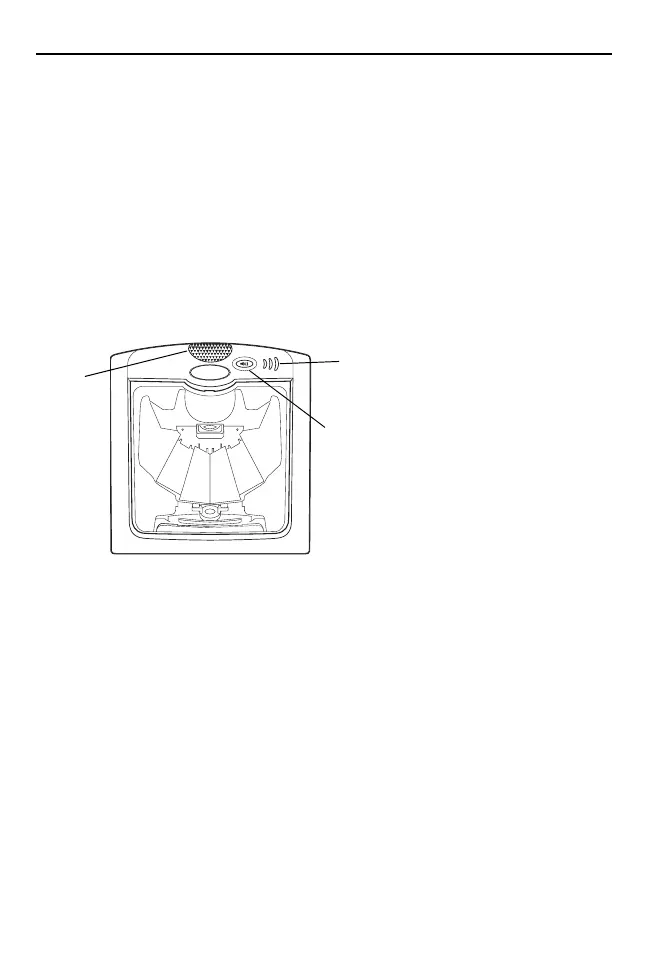
Speaker
Volume Control &
Wakeup Button
LED
6953007a.fm Page 3 Wednesday, April 15, 2015 3:23 PM



 To Next Page