EasyManua.ls Logo

Symbol LS4208 - User Manual

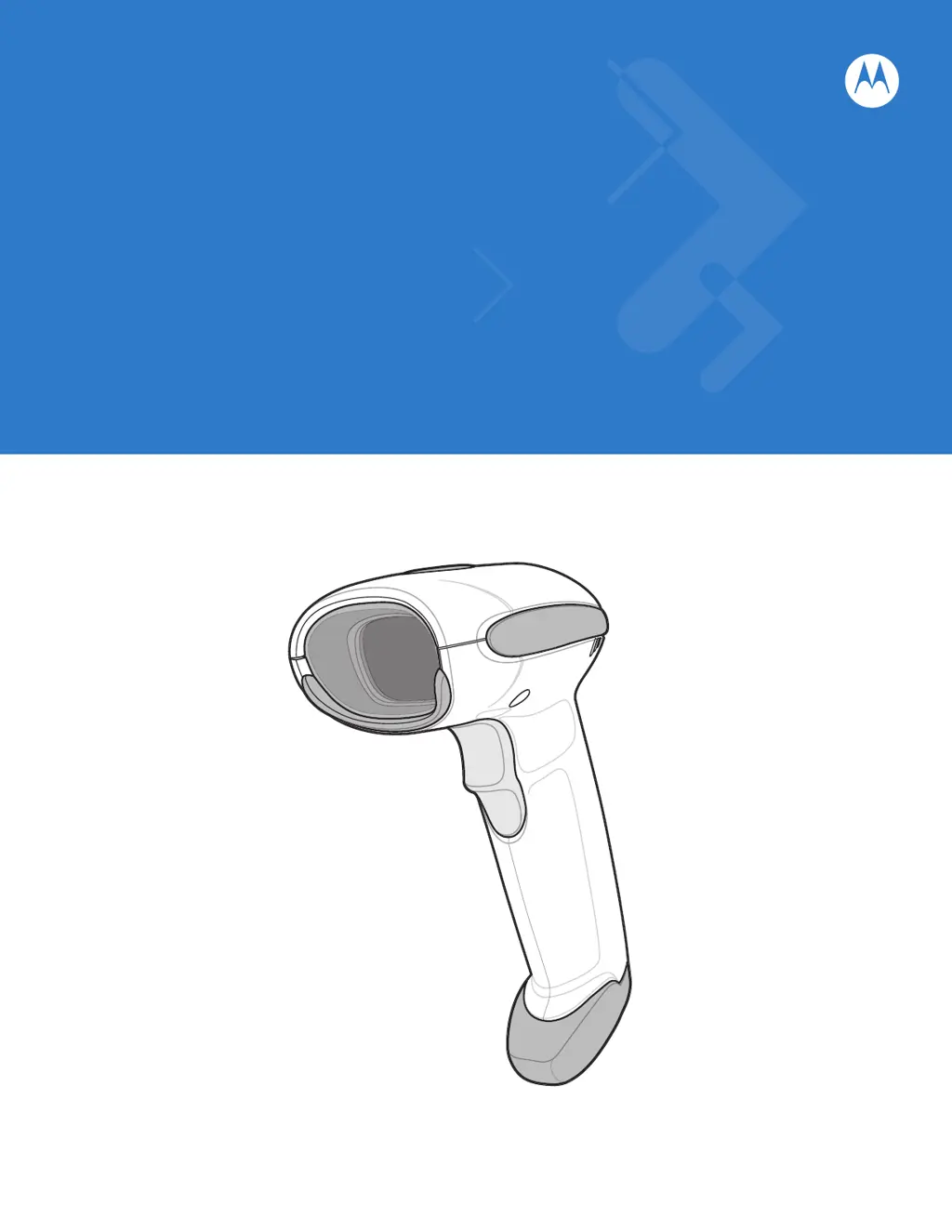
Symbol LS4208
362 pages
Print Icon
To Next Page IconTo Next Page
Loading...
Symbol LS4208
Product Reference Guide

Table of Contents

Other manuals for Symbol LS4208

Questions and Answers

Summary

Chapter 1: Getting Started

Setting Up the Scanner

Details on connecting the scanner, including interface cable installation.

Installing the Interface Cable

Step-by-step guide to connect the interface cable to the scanner and host.

Chapter 2: Scanning

Beeper and LED Definitions

Explains beep sequences and LED meanings for status indications.

Scanning Modes

Covers hand-held and hands-free scanning modes.

Scanning in Hand-Held Mode

Instructions for operating the scanner in hand-held mode using the trigger.

Scanning in Hands-Free Mode

Details operating the scanner in hands-free mode using the Intellistand.

Chapter 3: Maintenance, Troubleshooting & Technical Specifications

Troubleshooting

Lists common problems, causes, and solutions for the scanner.

Technical Specifications

Details the physical and performance characteristics of the scanner.

Chapter 4: User Preferences

User Preferences Parameter Defaults

Lists default settings for user preference parameters and how to change them.

Default Parameters

Explains how to reset scanner parameters to factory or custom defaults.

Chapter 12: Symbologies

Symbology Parameter Defaults

Lists default settings for all supported symbologies and how to change them.

UPC;EAN Configuration

Configuration options for UPC/EAN symbologies, including enabling/disabling.

Chapter 14: Advanced Data Formatting

Rules: Criteria Linked to Actions

Explains how ADF rules use criteria to perform actions on scanned data.

Using ADF Bar Codes

Guidance on programming ADF rules using specific bar codes.

Summary

Chapter 1: Getting Started

Setting Up the Scanner

Details on connecting the scanner, including interface cable installation.

Installing the Interface Cable

Step-by-step guide to connect the interface cable to the scanner and host.

Chapter 2: Scanning

Beeper and LED Definitions

Explains beep sequences and LED meanings for status indications.

Scanning Modes

Covers hand-held and hands-free scanning modes.

Scanning in Hand-Held Mode

Instructions for operating the scanner in hand-held mode using the trigger.

Scanning in Hands-Free Mode

Details operating the scanner in hands-free mode using the Intellistand.

Chapter 3: Maintenance, Troubleshooting & Technical Specifications

Troubleshooting

Lists common problems, causes, and solutions for the scanner.

Technical Specifications

Details the physical and performance characteristics of the scanner.

Chapter 4: User Preferences

User Preferences Parameter Defaults

Lists default settings for user preference parameters and how to change them.

Default Parameters

Explains how to reset scanner parameters to factory or custom defaults.

Chapter 12: Symbologies

Symbology Parameter Defaults

Lists default settings for all supported symbologies and how to change them.

UPC;EAN Configuration

Configuration options for UPC/EAN symbologies, including enabling/disabling.

Chapter 14: Advanced Data Formatting

Rules: Criteria Linked to Actions

Explains how ADF rules use criteria to perform actions on scanned data.

Using ADF Bar Codes

Guidance on programming ADF rules using specific bar codes.

Symbol LS4208 Specifications

General IconGeneral
Scan PatternSingle line
ConnectivityCorded
Drop SpecificationWithstands multiple 6 ft./1.8 m drops to concrete
Humidity5% to 95% (non-condensing)
TechnologyLaser
Resolution5 mil
Light Source650 nm visible laser diode
InterfaceRS-232, USB, Keyboard Wedge
Decode CapabilityUPC/EAN, Code 39, Code 128, Interleaved 2 of 5, Codabar, MSI
Operating Temperature32° to 122° F (0° to 50° C)
Storage Temperature-40° to 158° F (-40° to 70° C)
Electrical SafetyUL, CSA, EN 60950
Regulatory ComplianceFCC Part 15 Class B, ICES-003 Class B
Scan SpeedUp to 200 scans per second

Related product manuals