4 - 6 Symbol LS4208 Product Reference Guide
Scan Pattern
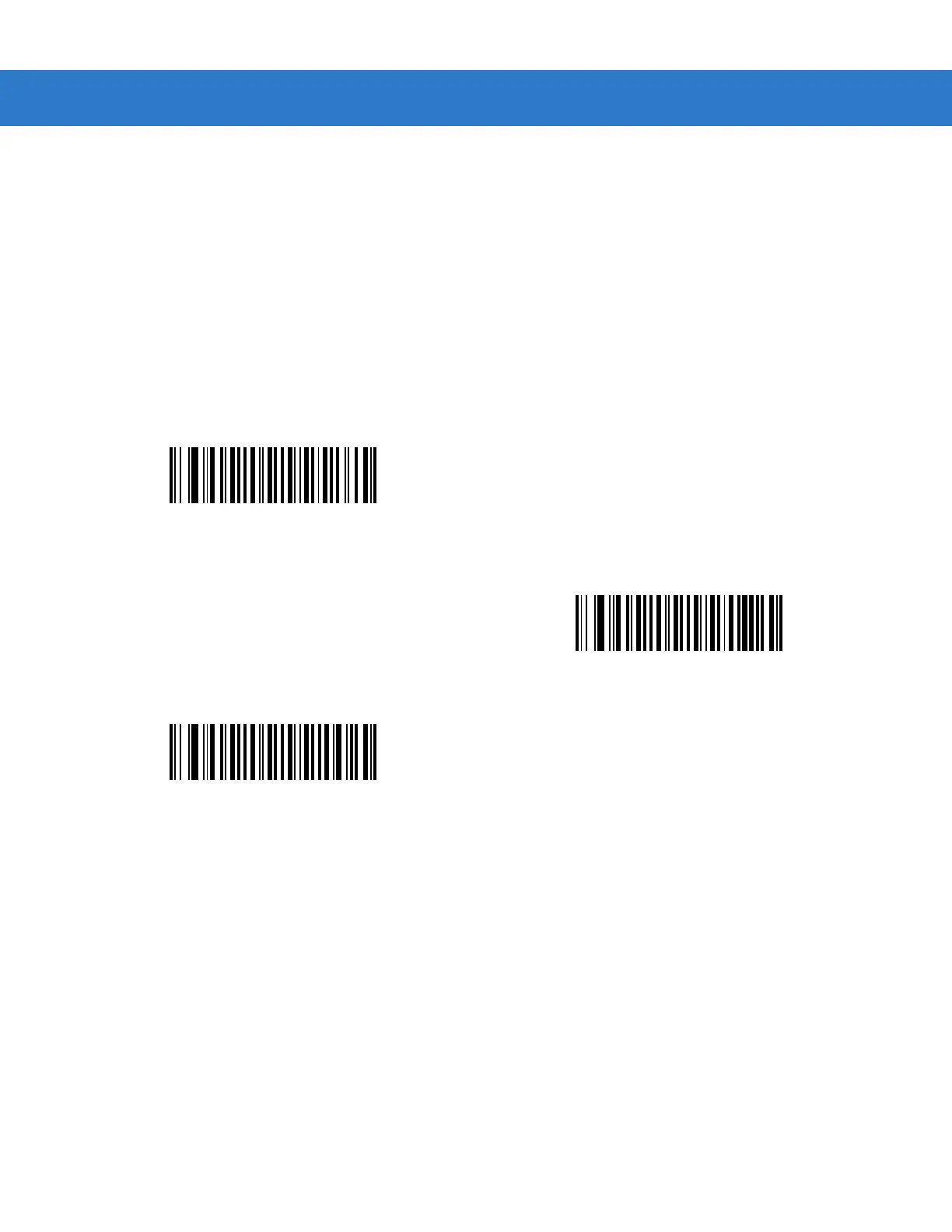
This parameter determines the pattern (mode) of scanning. Scan the appropriate bar code below to set the
scanning mode.
•
Single-line Only - Scan Single-line Only for a single-line scan mode. The laser has no up and down scan
line movement (no raster). (For an example of a single-line scan, see Figure 2-6 on page 2-6.)
•
Multi-line Smart Raster - The scan line begins as a single line, and immediately rasters upon seeing a
stacked GS1 DataBar code or a 2D variant. (For an example of a multi-line scan, see Figure 2-7 on page
2-6.)
•
Multi-line Always Raster (default) - Scan Multi-line Always Raster for rastering (up and down scan line
movement) to begin immediately.
Single-line Only
(No Raster)
Multi-line Smart Raster
*Multi-line Always Raster



 To Next Page