Wand Emulation Interface 9 - 3
Wand Emulation Parameter Defaults
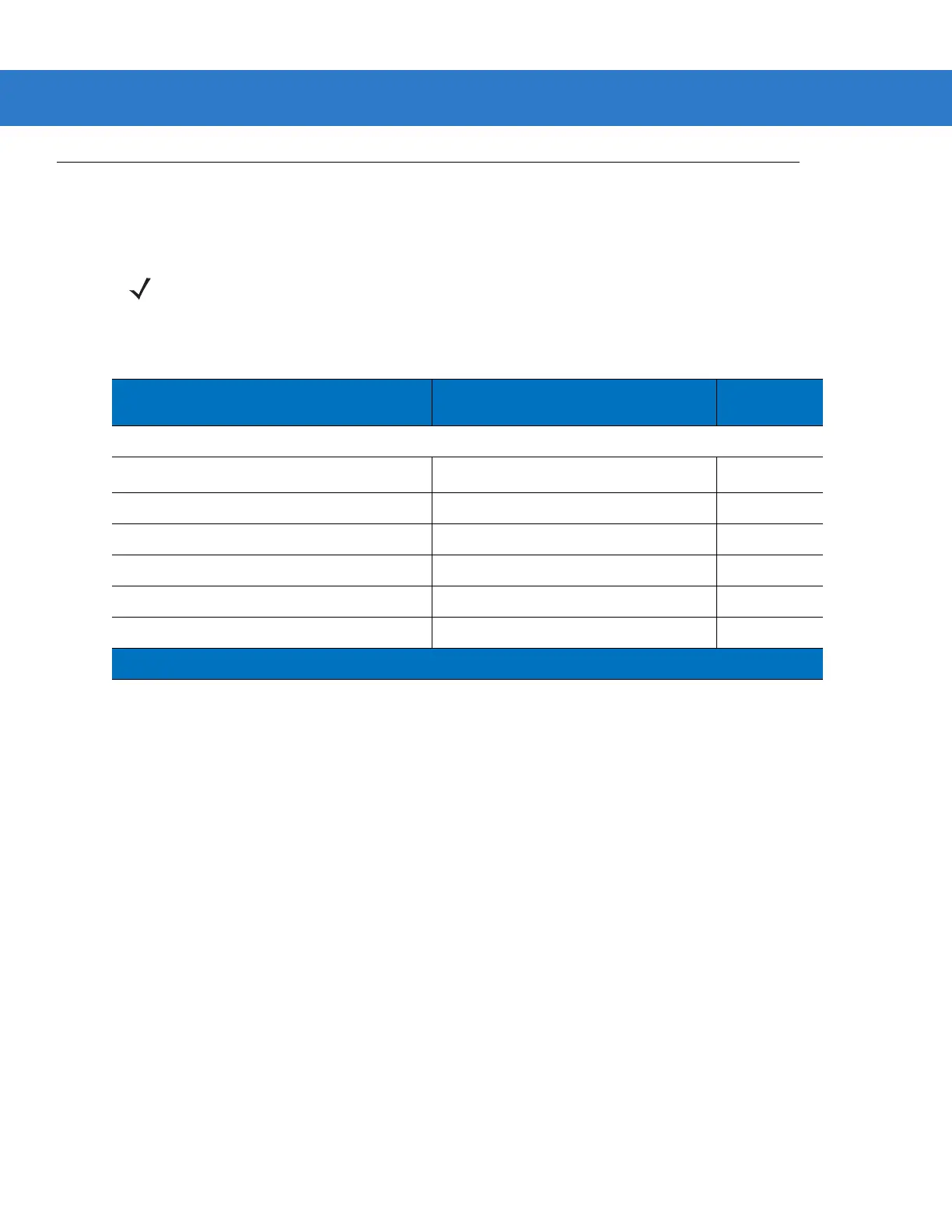
Table 9-1 lists the defaults for Wand Emulation host types. To change any option, scan the appropriate bar code(s)
provided in Wand Emulation Host Parameters beginning on page 9-4.
NOTE See Appendix A, Standard Default Parameters for all user preferences, hosts, symbologies, and
miscellaneous default parameters.
Table 9-1
Wand Emulation Default Table
Parameter Default
Page
Number
Wand Emulation Host Parameters
Wand Emulation Host Types
Symbol OmniLink Interface Controller
1
9-4
Leading Margin 80 msec 9-5
Polarity Bar High/Margin Low 9-6
Ignore Unknown Characters Send 9-6
Convert All Bar Codes to Code 39 Disable 9-7
Convert Code 39 to Full ASCII Disable 9-8
1
User selection is required to configure this interface and this is the most common selection.



 To Next Page