13 - 4 Symbol LS4208 Product Reference Guide
Prefix/Suffix Values (continued)
Scan Data Transmission Format
To change the scan data format, scan Scan Options and one of the following four bar codes corresponding to the
desired format:
•
Data As Is
•
<DATA> <SUFFIX>
•
<PREFIX> <DATA>
•
<PREFIX> <DATA> <SUFFIX>.
Scan Enter on page 13-5 to complete the change. To set values for the prefix and/or suffix, see Prefix/Suffix
Values on page 13-3. Scan Data Format Cancel on page 13-5 to cancel the change.
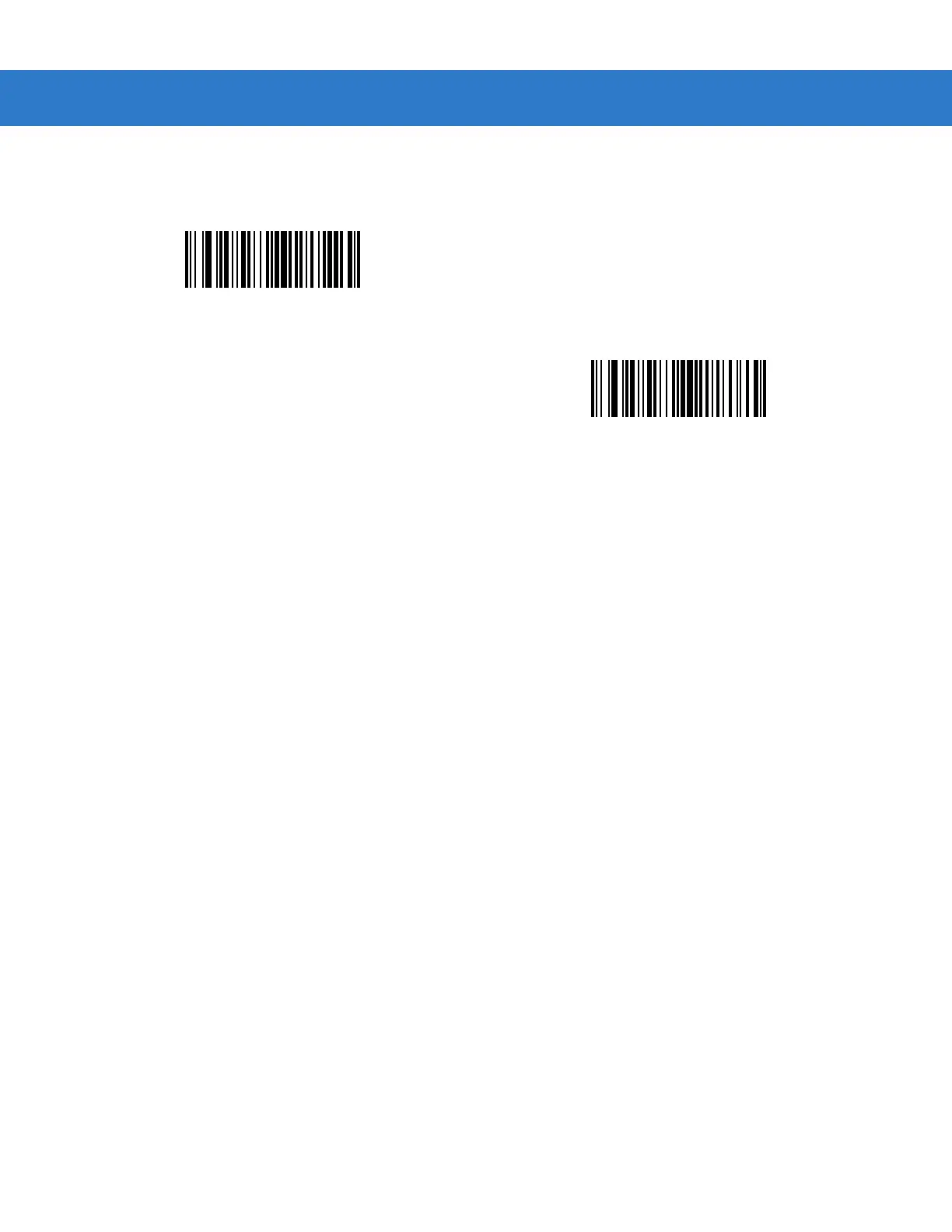
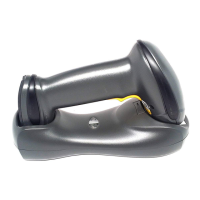
If a carriage return/enter is required after each scanned bar code, scan the following bar codes in order:
1. Scan Options
2. <DATA> <SUFFIX>
3. Enter (on page 13-5).
Scan Prefix
Scan Suffix


 To Next Page