7 - 2 Symbol LS4208 Product Reference Guide
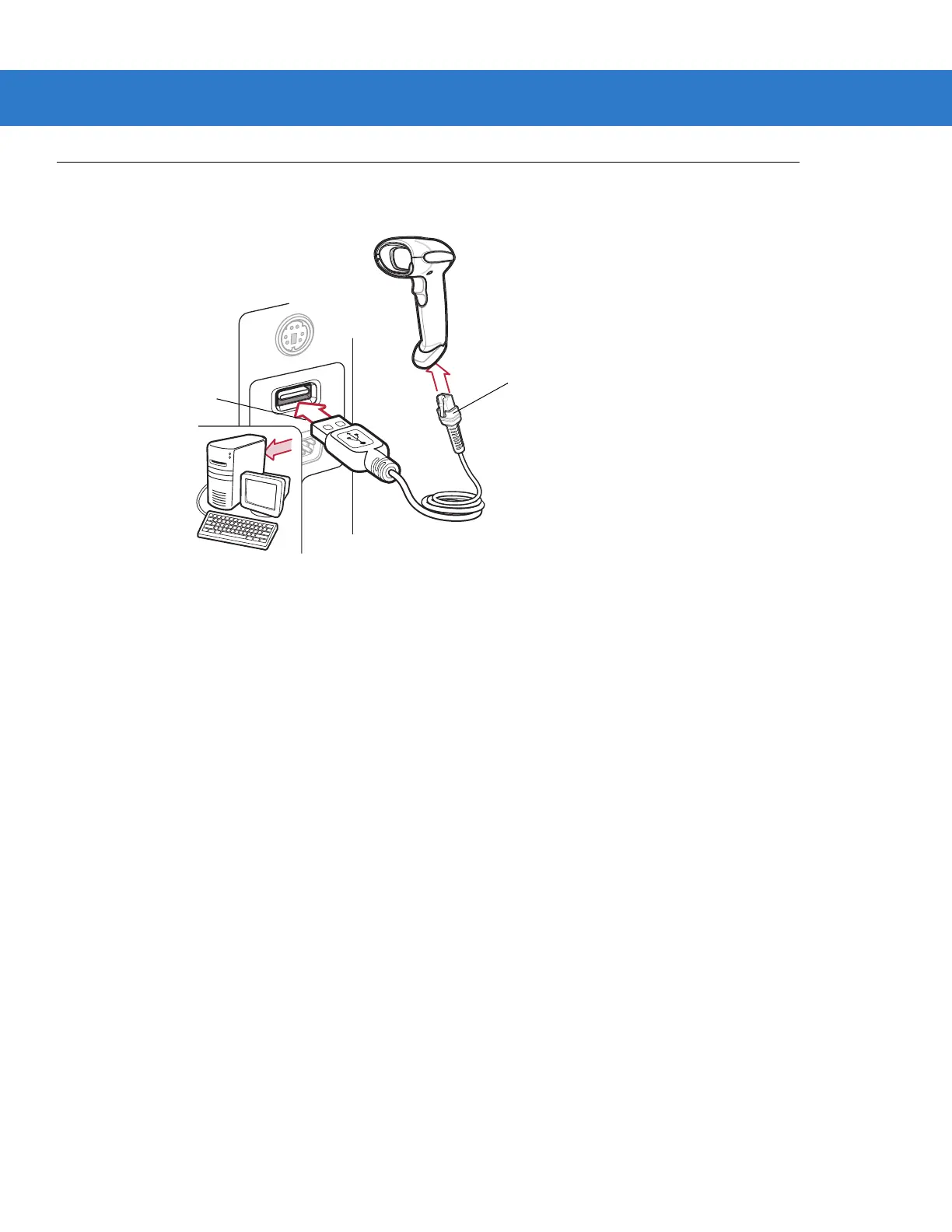
Connecting a USB Interface
Figure 7-1
USB Connection
The scanner connects with USB capable hosts including:
•
Desktop PCs and Notebooks
•
Apple™ iMac, G4, iBooks (North America only)
•
IBM SurePOS terminals
•
Sun, IBM, and other network computers that support more than one keyboard.
The following operating systems support the scanner through USB:
•
Windows 98, 2000, ME, XP
•
MacOS 8.5 and above
•
IBM 4690 OS.
The scanner will also interface with other USB hosts which support USB Human Interface Devices (HID).
Interface cable
USB Series A
Connector



 To Next Page