7 - 10 Symbol LS4208 Product Reference Guide
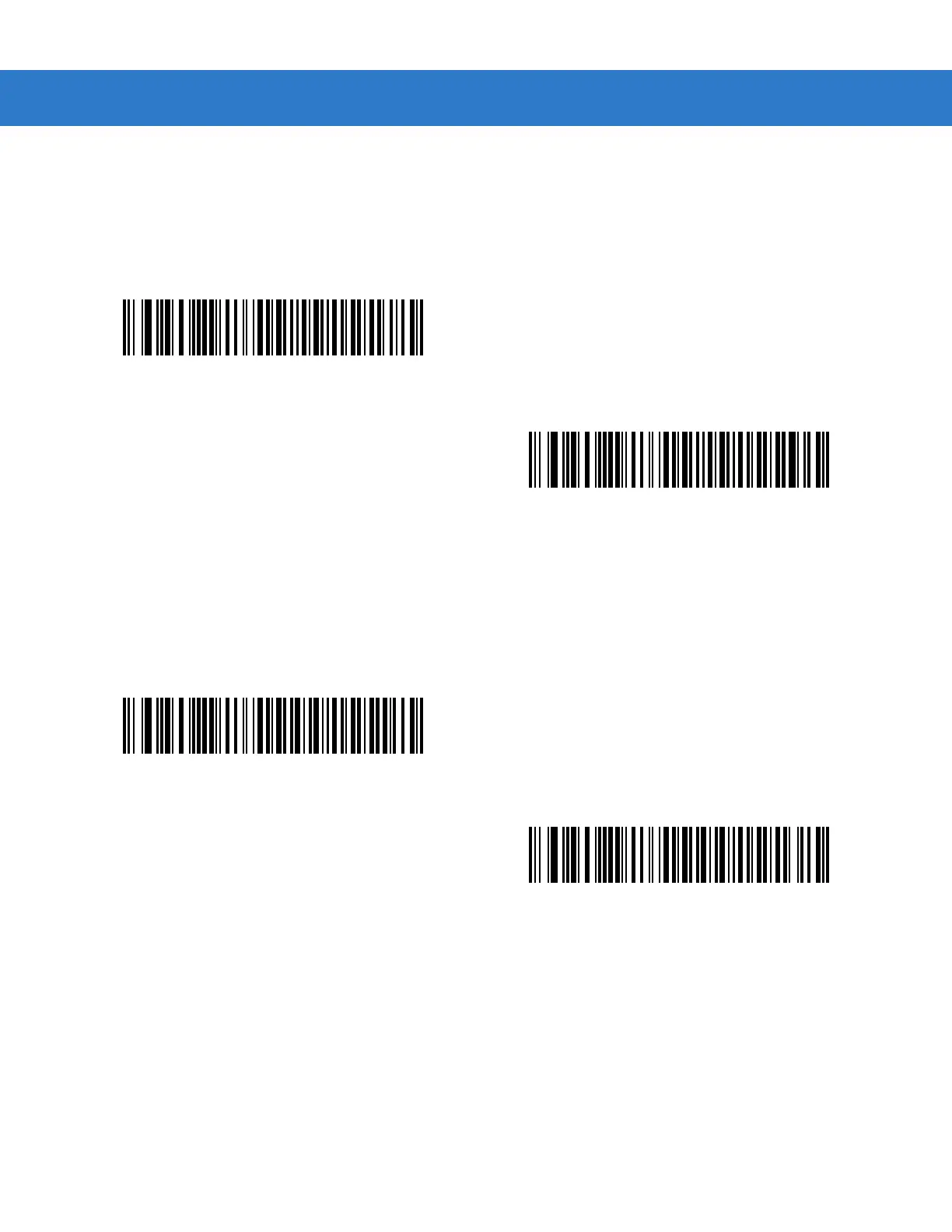
USB Keyboard FN 1 Substitution
This option applies only to the USB HID Keyboard Emulation device. When enabled, this allows replacement of
any FN 1 characters in a GS1-128 bar code with a Key Category and value chosen by the user (see FN1
Substitution Values on page 13-6 to set the Key Category and Key Value).
Function Key Mapping
ASCII values under 32 are normally sent as a control-key sequences (see Table 7-2 on page 7-12). When this
parameter is enabled, the keys in bold are sent in place of the standard key mapping. Table entries that do not
have a bold entry remain the same whether or not this parameter is enabled.
Enable FN1 Substitution
*Disable FN1 Substitution
*Disable Function Key Mapping
Enable Function Key Mapping



 To Next Page