2 - 4 Symbol LS4208 Product Reference Guide
Scan Patterns
The scanner emits several scanning patterns, described as follows. To select a pattern, see Scan Pattern on page
4-6.
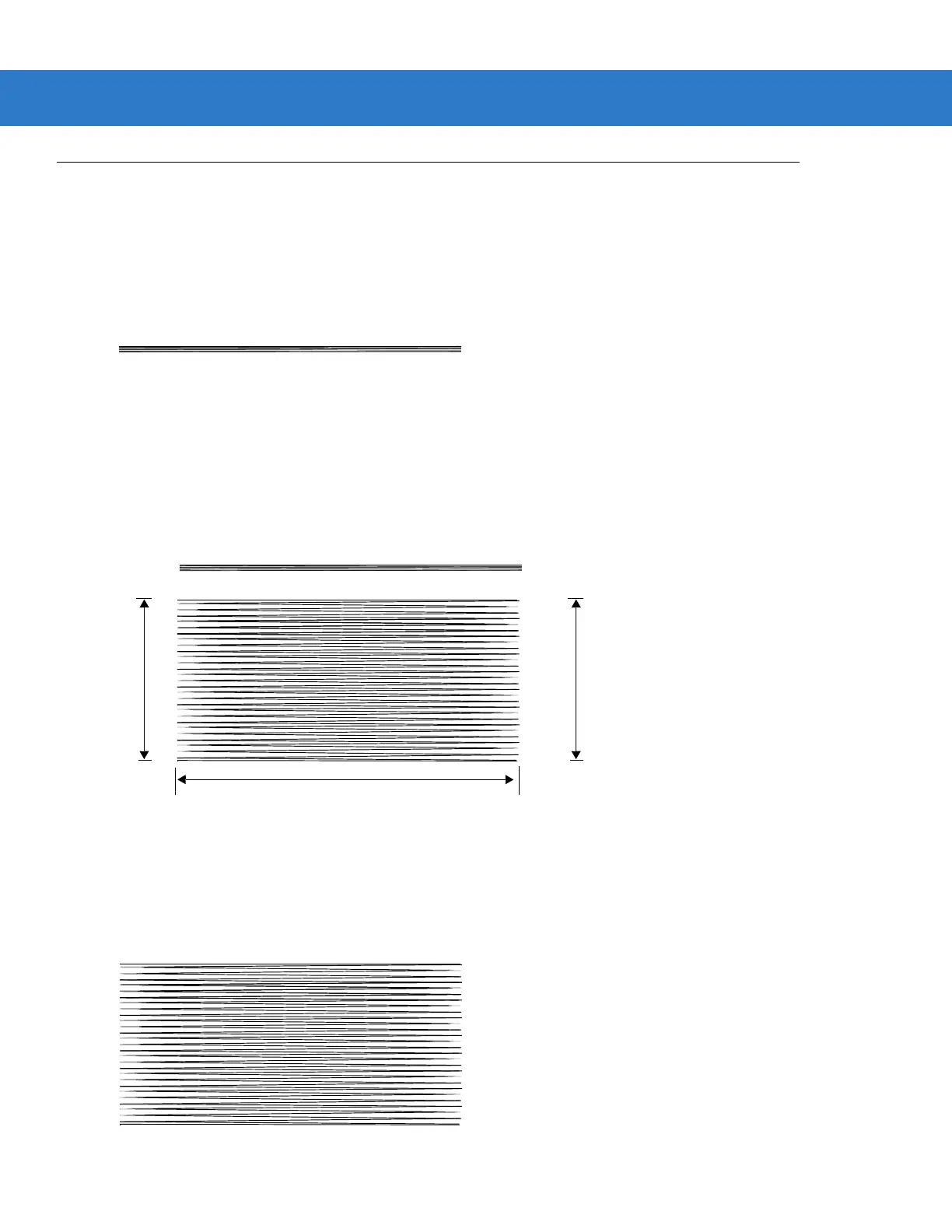
Single-Line Only
The laser has no up and down scan line movement (no raster).
Figure 2-2
Single-Line Only Scan Pattern
Multi-Line Smart Raster
The scan line begins as a single line and moves up and down (rasters) when a partial scan of a bar code is
detected, or no bar code is decoded 500 ms after the trigger is pulled. If the scanner detects a PDF417
(Symbol LS4208-PR only), GS1 DataBar, or Composite Code, it immediately rasters, opening to a full, optimized
raster pattern as soon as the scanner is properly aligned over the bar code.
Figure 2-3
Multi-Line Smart Raster Scan Pattern
Multi-line Always Raster
Rastering (up and down scan line movement) begins immediately to decode 1D, PDF417 (Symbol LS4208-PR
only), GS1 DataBar, and Composite Codes.
Figure 2-4
Multi-Line Always Raster Scan Pattern
Single Scan Line Pattern
Open Raster Pattern
Y-Axis
Y-Axis
Horizontal Displacement (X - Axis)



 To Next Page