14 - 8 Symbol LS4208 Product Reference Guide
Special Commands
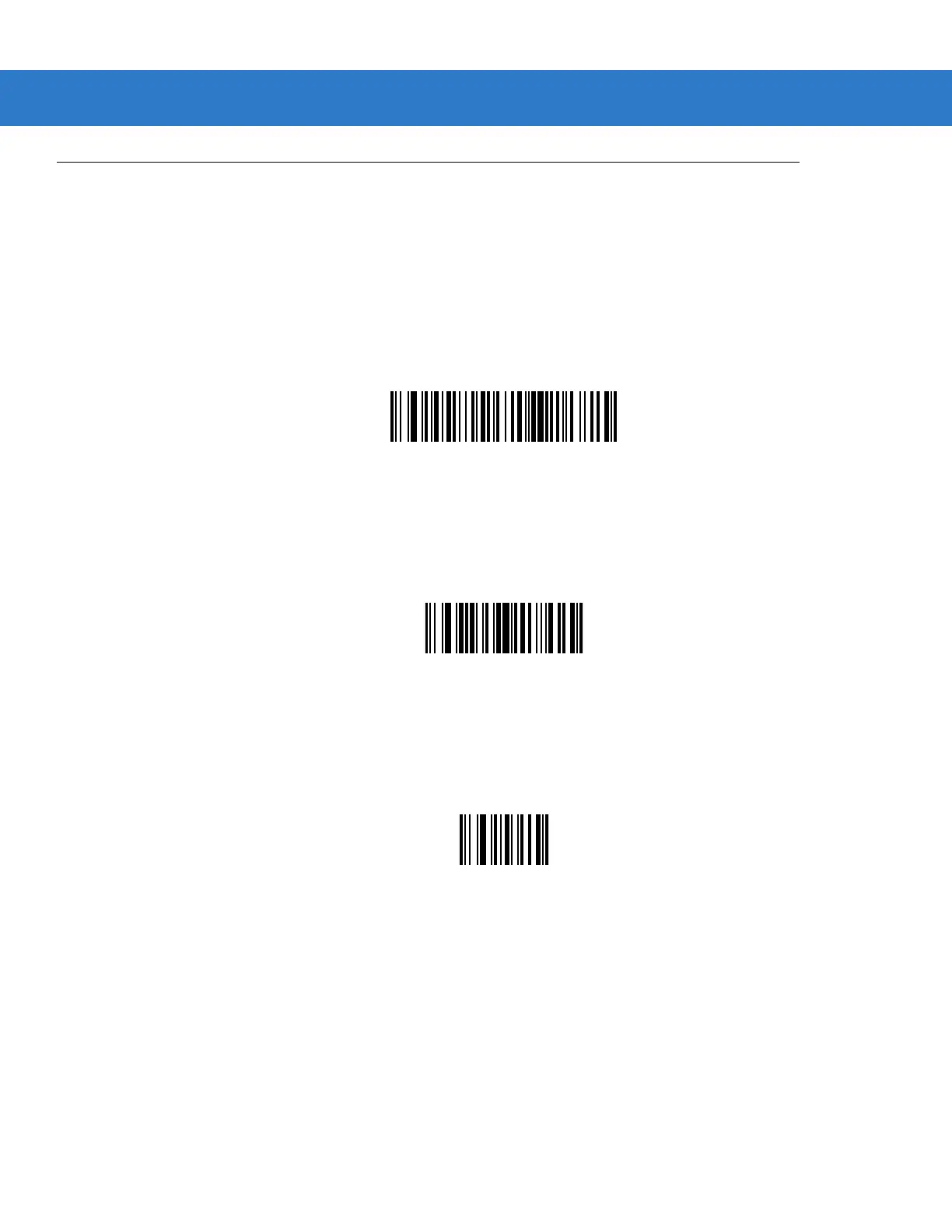
Pause Duration
This parameter, along with Send Pause on page 14-28, inserts a pause in the data transmission. To set the pause
scan a two-digit number (i.e., two bar codes) representing a 0.1 second interval in the range of 0.1 to 9.9. For
example, scanning bar codes
0 and 1 inserts a 0.1 second pause; 0 and 5 gives a 0.5 second delay. The default is
1 second. For numeric bar codes see Appendix D, Numeric Bar Codes. In case of an error, or to change the
selection, scan Cancel on page D-3.
Pause Duration
Begin New Rule
Scan this bar code to start entering a new rule
Begin New Rule
Save Rule
Scan this bar code to save the rule.
Save Rule



 To Next Page