12 - 66 Symbol LS4208 Product Reference Guide
Bi-directional Redunda\ncy
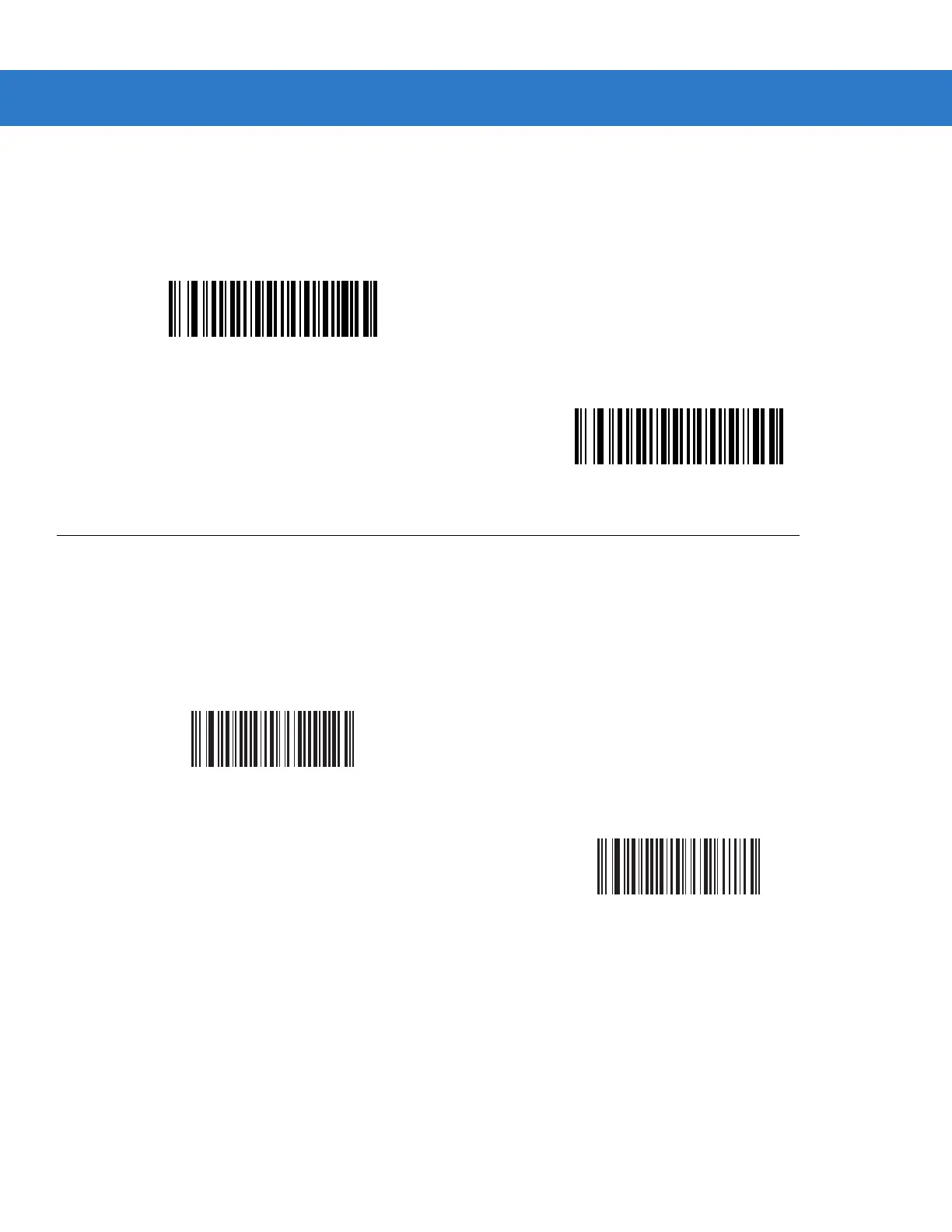
Enable Bi-directional Redundancy to add security to linear code type security levels. When enabled, a bar code
must be successfully scanned in both directions (forward and reverse) before reporting a good decode.
Intercharacter Gap
The Code 39 and Codabar symbologies have an intercharacter gap that is customarily quite small. Due to various
bar code printing technologies, this gap may grow larger than the maximum size allowed, causing the scanner to
be unable to decode the symbol. If this problem is encountered, scan Large Intercharacter Gaps to tolerate
out-of-specification bar codes.
Enable Bi-directional Redundancy
*Disable Bi-directional Redundancy
*Normal Intercharacter Gap
Large Intercharacter Gap



 To Next Page