Chapter 1 Getting Started
Introduction
The scanner combines excellent scanning performance and advanced ergonomics to provide the best value in a
lightweight laser scanner. Whether used as a hand-held scanner or in hands-free mode in a stand, the scanner
ensures comfort and ease of use for extended periods of time.
In addition to single-line laser scanning, the scanner supports multi-line rastering. Multi-line rastering allows the
scanner to capture stacked GS1 DataBar codes (formerly Reduced Space Symbology/RSS) and increases angular
tolerances, minimizing product orientation and hand movements. Multi-line rastering also allows the scanner to
read poor quality bar codes. For more information about scanning modes and stacked GS1 DataBar codes, see
Scan Pattern on page 4-6 and GS1 DataBar on page C-3.
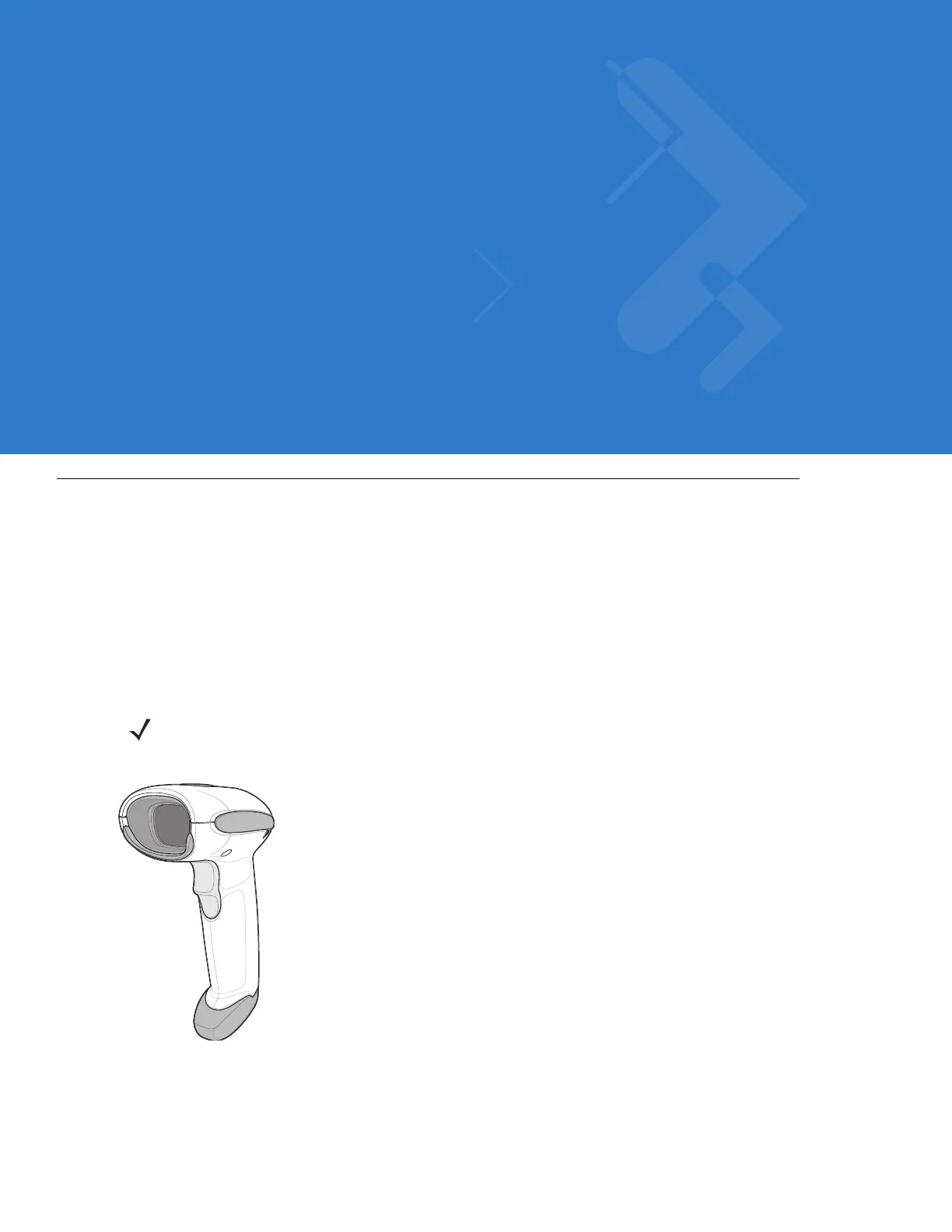
Figure 1-1
Symbol LS4208 Scanner
NOTE Only the Symbol LS4208-PR version supports PDF417 bar codes and variants.



 To Next Page