4 - 8 Symbol LS4208 Product Reference Guide
Raster Height
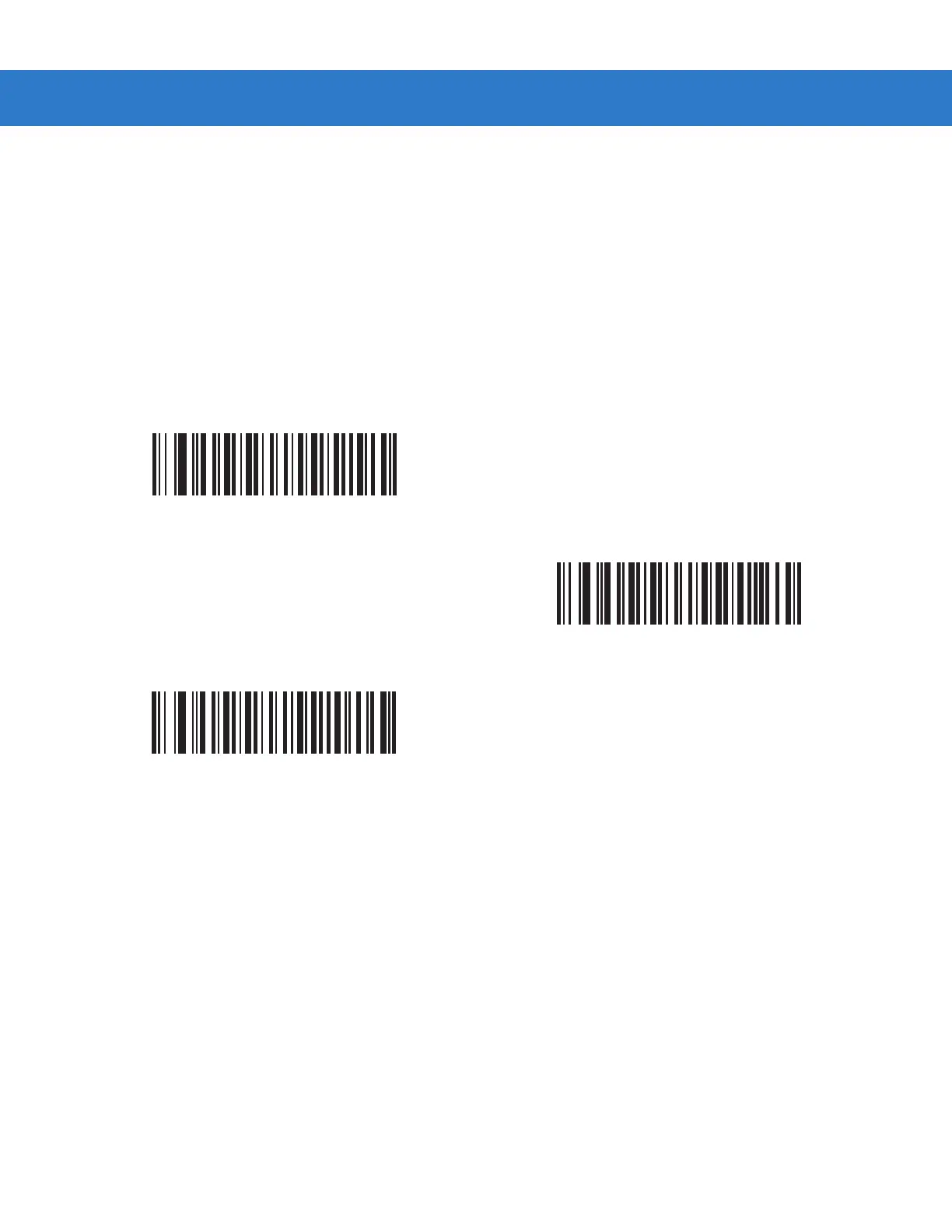
This parameter determines the scanner’s raster height when scanning PDF symbols only.
•
Short Raster - Scan Short Raster to use the standard 1D raster height of approximately 4
o
. This option
provides the best performance on MicroPDF and short PDF symbols.
•
Tall Raster - Scan Tall Raster for a raster of approximately 50% taller than the short raster, opening to about
6
o
and slowing to capture bar code data more efficiently. This provides the best performance on tall PDF
symbols.
•
Adjustable Raster (default) - This option starts as a short raster, then opens to a tall raster and slows half a
second later. Use this option when scanning a variety of symbol heights.
Short Raster
Tall Raster
*Adjustable Raster



 To Next Page