Symbologies 12 - 59
Delete Character Set ECIs
This parameter enables the scanner to delete any escape sequences representing Character Set ECIs (also
known as GLIs) from its buffer before transmission. In many receiving systems, Character Set ECIs can be
removed without affecting the way data is displayed or processed.
When deletion is selected, the scanner transmits data from PDF-417 and MicroPDF-417 bar codes containing
Character Set ECIs, even when the ECI Protocol is disabled.
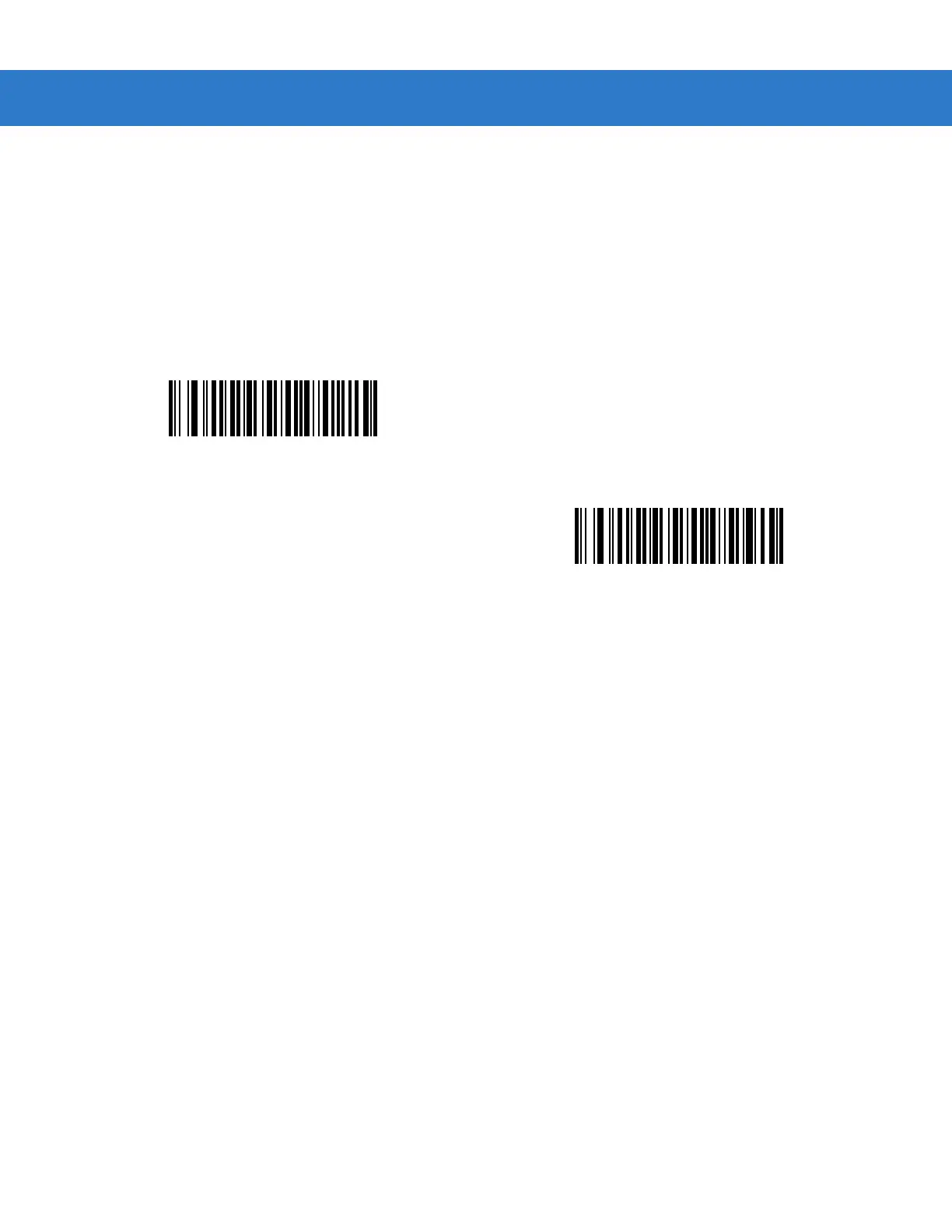
Scan a bar code to delete or transmit character set ECIs.
Delete Character Set ECIs
*Transmit Character Set ECIs



 To Next Page