User Preferences 4 - 9
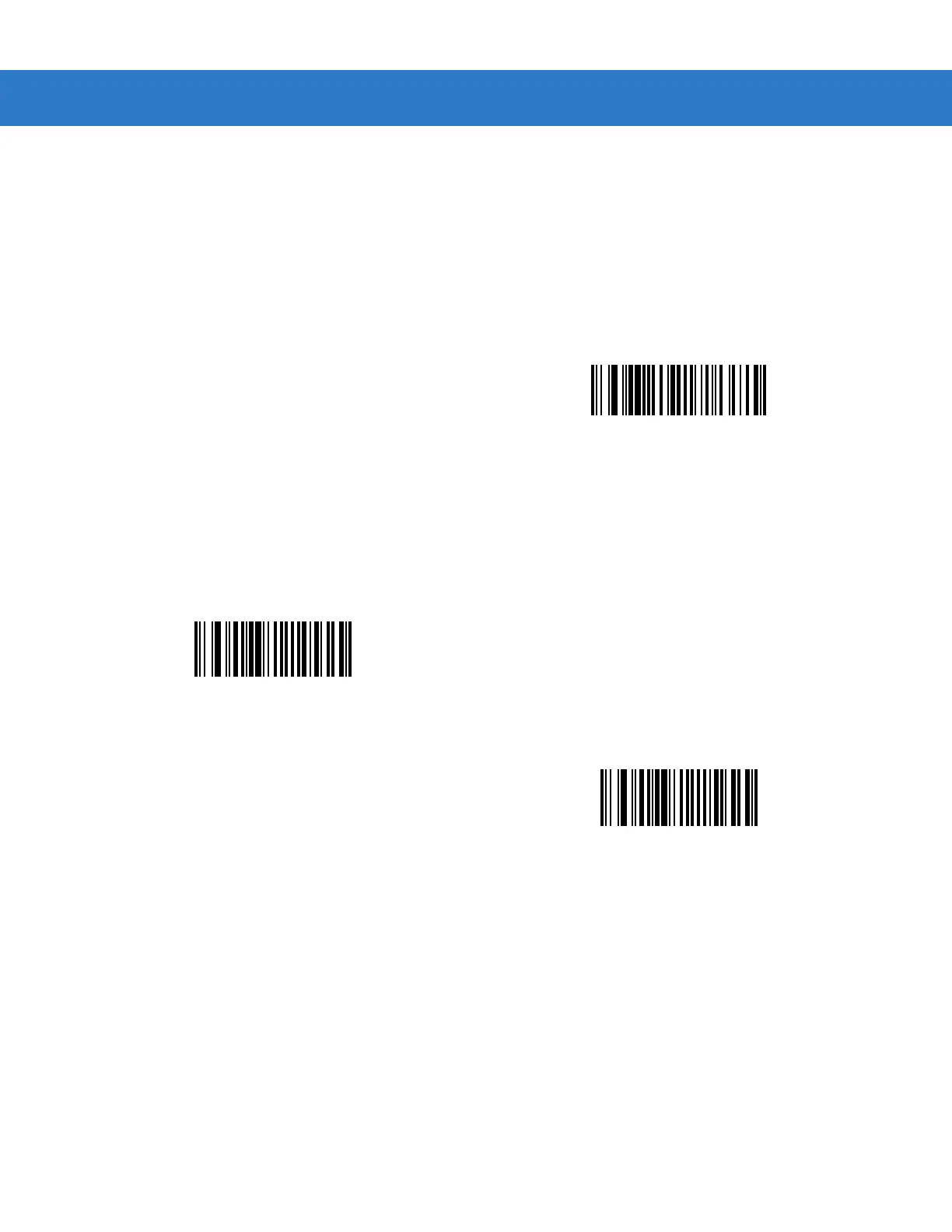
Laser On Time
This parameter sets the maximum time that decode processing continues during a scan attempt. It is
programmable in 0.1 second increments from 0.5 to 9.9 seconds. The default Laser On Time is 3.0 seconds.
To set a Laser On Time, scan the bar code below. Next, scan two numeric bar codes beginning on page D-1 in
Appendix D, Numeric Bar Codes that correspond to the desired on time. Single digit numbers must have a leading
zero. For example, to set an On Time of 0.5 seconds, scan the bar code below, then scan the “0” and “5” bar
codes. If an error is made, or the selection needs to be changed, scan Cancel on page D-3.
Beep After Good Decode
Scan a bar code below to select whether or not the scanner beeps after a good decode. If Do Not Beep After
Good Decode is selected, the beeper still operates during parameter menu scanning and indicates error
conditions.
Laser On Time
*Beep After Good Decode
(Enable)
Do Not Beep After Good Decode
(Disable)



 To Next Page