USB Interface 7 - 11
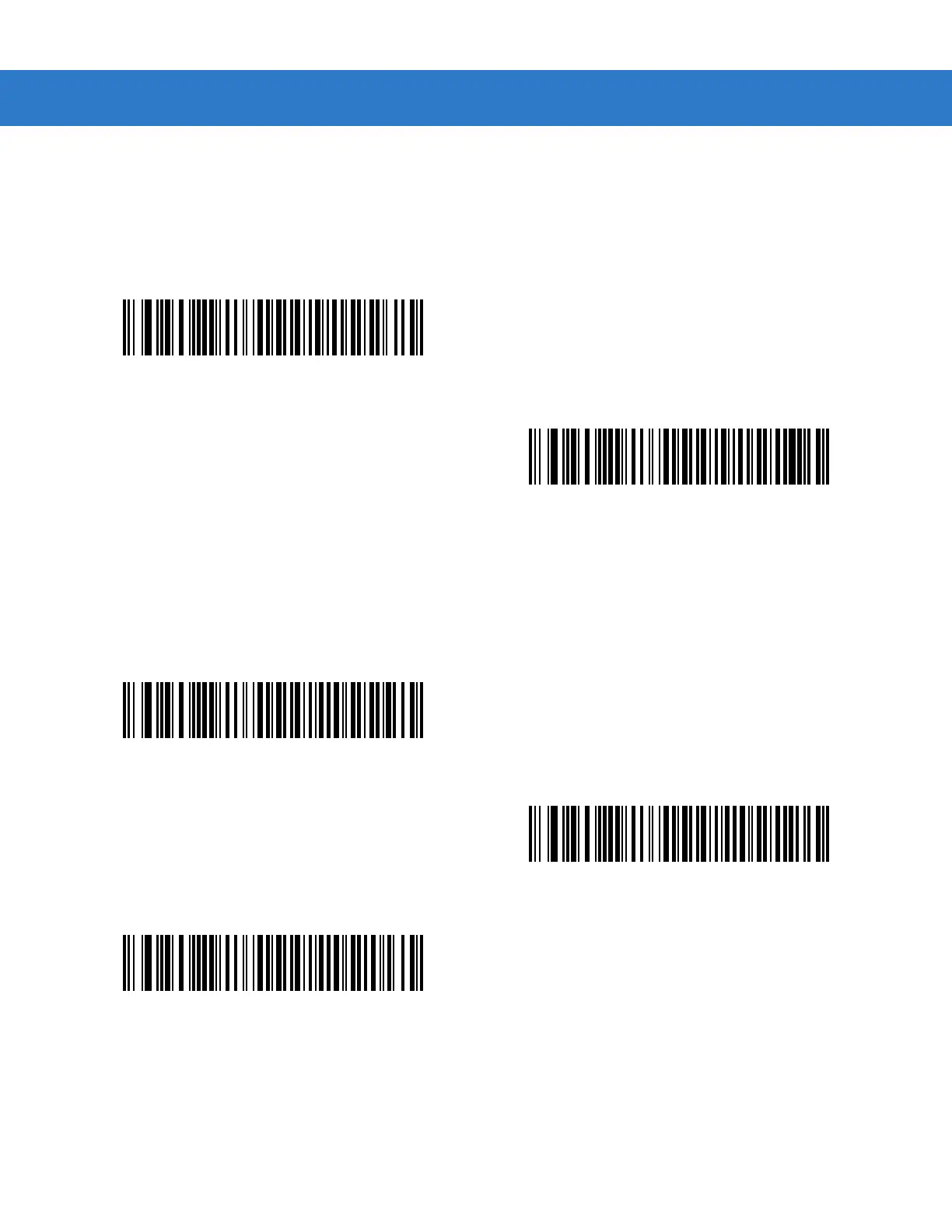
Simulated Caps Lock
When enabled, the scanner will invert upper and lower case characters on the scanner bar code as if the Caps
Lock state is enabled on the keyboard. This inversion is done regardless of the current state of the keyboard’s
Caps Lock state.
Convert Case
When enabled, the scanner will convert all bar code data to the selected case.
*Disable Simulated Caps Lock
Enable Simulated Caps Lock
*No Case Conversion
Convert All to Upper Case
Convert All to Lower Case



 To Next Page