Quick Reference Guide 9
Detaching the Scanner from the Mounting Bracket
To detach the scanner:
1. Grasp the scanner firmly on both sides.
2. Squeeze the back of the scanner slightly while pushing the scanner in the
direction of the slot on the back.
3. Rotate the front of the scanner away from the mounting bracket until the
bracket pops out of the slot.
Scanning Bar Codes
Install and program the scanner. (Refer to the LS7708 Product Reference Guide for
programming instructions.) For assistance, contact the local supplier or Zebra
Technologies Support.
For the best scanning performance, the counter top or surface area covered by the
active scan area should be free of any designs (e.g. stripes or patterns). Ideally, that
area should be a light, solid color. A rastering omni-directional scan pattern provides
rapid, orientation-free scanning.
To scan a bar code:
1. Ensure all cable connections are secure.
2. Orient the item with the bar code facing the scanner window.
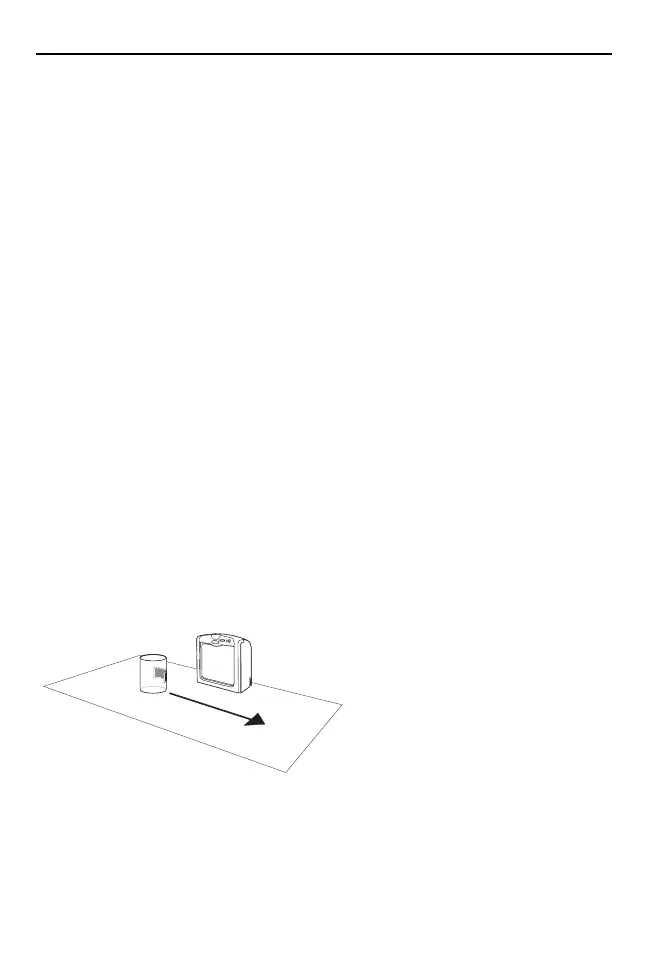
3. Move the item through the active scan area in the direction of the arrows, or
place the item in front of the scanner.
4. Upon successful decode, the scanner beeps and the green LED flashes
momentarily.
6953007a.fm Page 9 Wednesday, April 15, 2015 3:23 PM



 To Next Page