4
2D Desktop Barcode Scanner
(800006.)
(8810010.)
(8310030.)
300
(8310031.)
600
(8310032.)
1200
(8310033.)
2400
(8310034.)
4800
(8310035.)
9600
Factory Default Setting
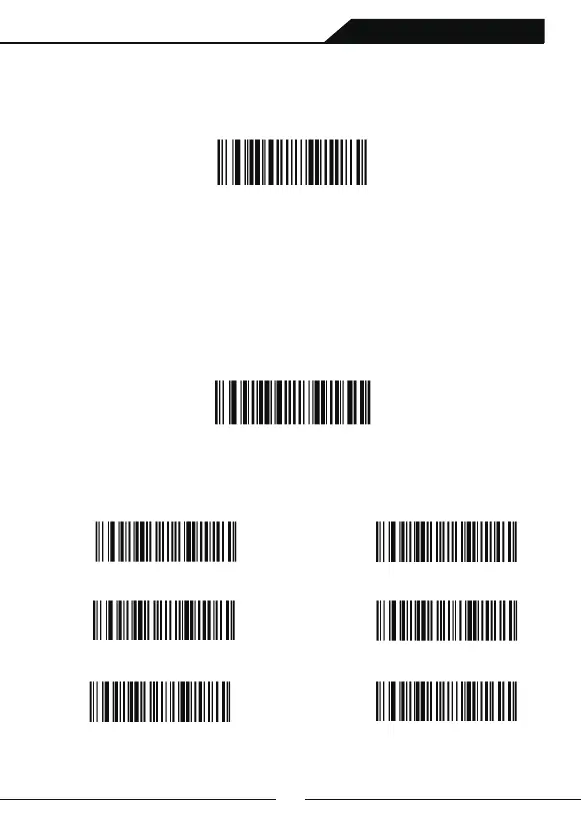
If you want to apply the factory default settings to the barcode scanner, scanning
following setting code,the "Factory Default Setting" barcode.
Factory Default Setting
RS232
Introduction
4nd Chapter: Interfaces
Introducing USB and RS232 interfaces and their related configurations in this chapter.
RS232
Scanning setting code“RS232”barcode to connect with host via serial.
Serial interface default configuration:Baud Rate: 115200; Data Bit: 8; Parity Bit: none;
Stop Bit: 1, Ending Character: CR+LF
RS232 Baud Rater
Baud rate: Send data from the barcode scanner to the terminal at the specified rate.
The terminal must be set to the same baud rate as the barcode scanner to
communicate normally. Default=115200



 To Next Page