37
2D Desktop Barcode Scanner
* (82100190.)
*(8210131.)
(8210132.)
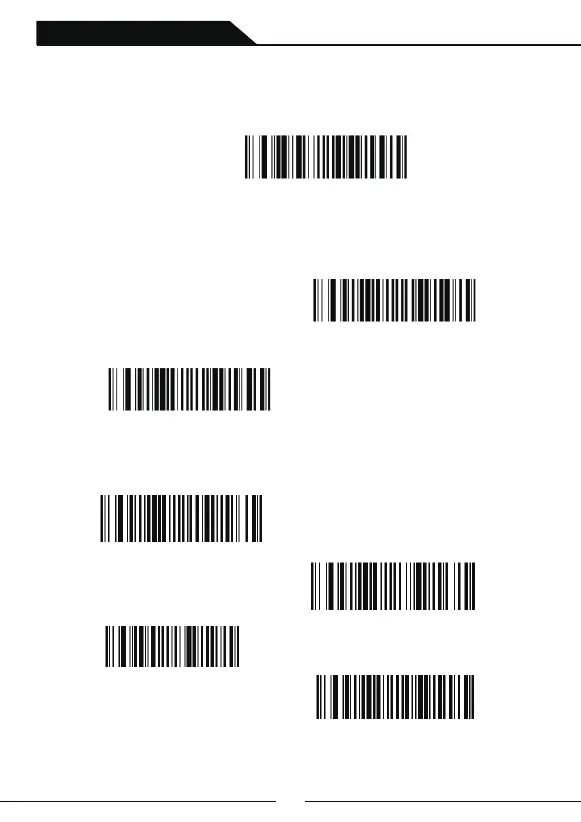
Chinese Keyboard Setting
In keyboard mode, you need to scan the following setting code"Chinese Keyboard" to
open the Chinese keyboard (open by default), and then select the Chinese output format.
Chinese Output Format
Case Switch
The Chinese output format of keyboard mode is divided into GBK, UNICODE, and the
default is GBK.
2. UNICODE format( Output in word) , scanning following setting code”UNICODE”
Chinese Keyboard
1.GPK format(Output in TXT,excel and wps),scanning following setting code”GBK”
GBK
UNICODE
All Lowercase
All caps
No Case Switch
Case swap



 To Next Page