6
2D Desktop Barcode Scanner
(881001124. )
USB HID
USB COM
(
881001133.
)
Note: No additional configuration is required(E.g.:Baud Rate)
USB
USB HID
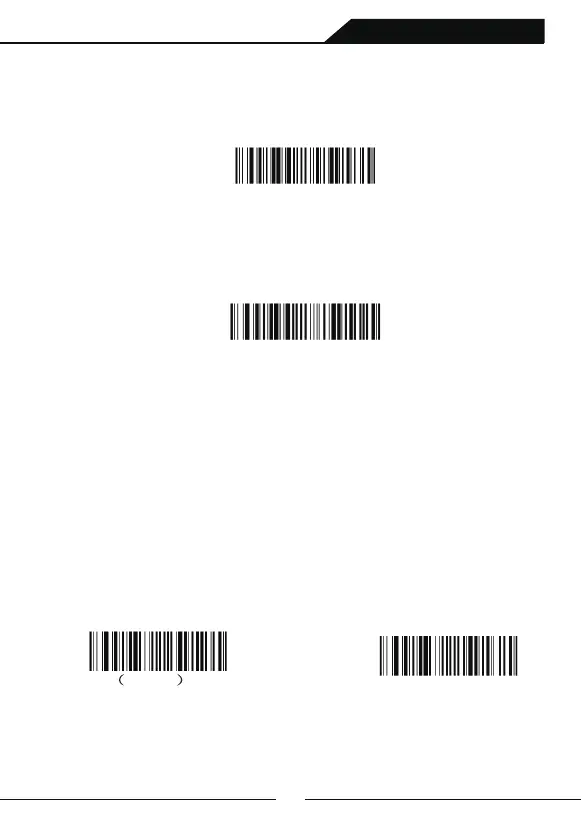
Scan the following bar code to configure the bar code scanner to USB HID Keyboard
mode. CR and LF are added by default
USB COM
Scan following barcode to configure the bar code scanner to USB-COM mode,and
emulate the conventional COM port which is based on RS232. If your host are used
Microsoft Windows system, you need to download the driver. If your host are used
Apple Macintosh system, the computer will recognize the barcode scanner as a
USBCDC device automatically.
Introduction
5rd Chapter:Input/Output Settings
Introduce the configuration of the buzzer and LED when the barcode
scanner is electrified, decoded, and pressed.
Buzzer Setting when Electrifying
Scan following setting codes to choose buzzer on or off of when barcode
scanner get electrified.Default setting is buzzer ON.
(8410130.)
Buzzer OFF
* Buzzer ON
(8410131.)



 To Next Page