34
2D Desktop Barcode Scanner
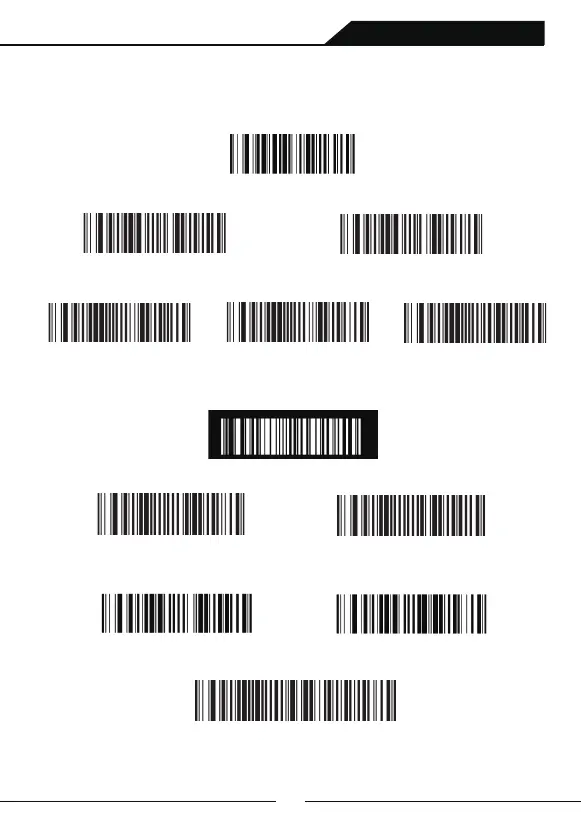
Version Display
Enbale
Do not Support Reverse Code
Both Supported
Both Supported
Only Support Reverse Code
Disable
(809005.)
(8960271.)
* (8960270.)
*(8910010.)
(8910011.)
(8910012.)
(8910012.)
Software Version Display
Image Mirror
Code Reverse
8th Chapter: Other Function Settings
Scanning following setting code”Version Display”and version information of
software will be display in terminals.
If need to set supporting normal code and reverse code after scanning setting code”
Only Support Reverse Code”,You can scanning following setting code”Both Supported”.
Safe Mode
QR Code Website Setting
Code ID Prefix
(8000050.)
*(8000051.)
(9950061.)
(9950060.)
(889002995C80.)
Setting Code Function OFF
Setting Code Function ON
OFF
ON
Add Serial Number as Prefix



 To Next Page