4
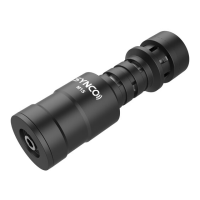
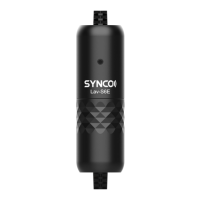
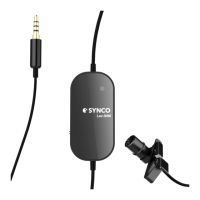
Caring for Your SYNCO Microphone
• Please keep the product in a dry, clean, dust-free environment.
• Keep corrosive chemicals, liquids and heat source away from the product to prevent
mechanics damage.
• Use only a soft and dry cloth for cleaning the product.
• Malfunction may be caused by dropping, impact of external force.
• Do not attempt to disassemble the product. Doing so voids warranty.
• Please have the product checked or repaired by authorized technicians if any
malfunctions happened.
• Failure to follow all the instructions may result in mechanics damage.
• Warranty does not apply to human errors.


 To Next Page