8
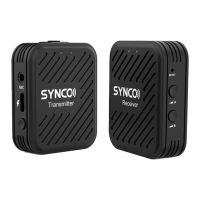
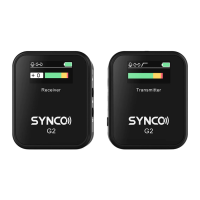
Operation and Usage
1. Power Button
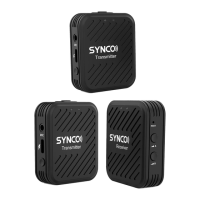
Long press the power button for two seconds to turn on/off the system. Short press the power button
on the RX for Mono/Stereo switch.
2. Pairing
The system will pair automatically after power on. If you need manual pairing, long press the channel A
gain control and channel B gain control on the RX, and the pairing button on the TX, the system will
start to pair.
3. Connection
The receiver outputs audio signals to recording devices with a 3.5mm TRRS Phone Cable or 3.5mm TRS
Camera Cable. Please use the corresponding cable based on your device.


 To Next Page