13
Chapter 2: Hardware Setup
5
Press the handle back into the front panel until you hear a click to secure the hard drive tray in place.
6
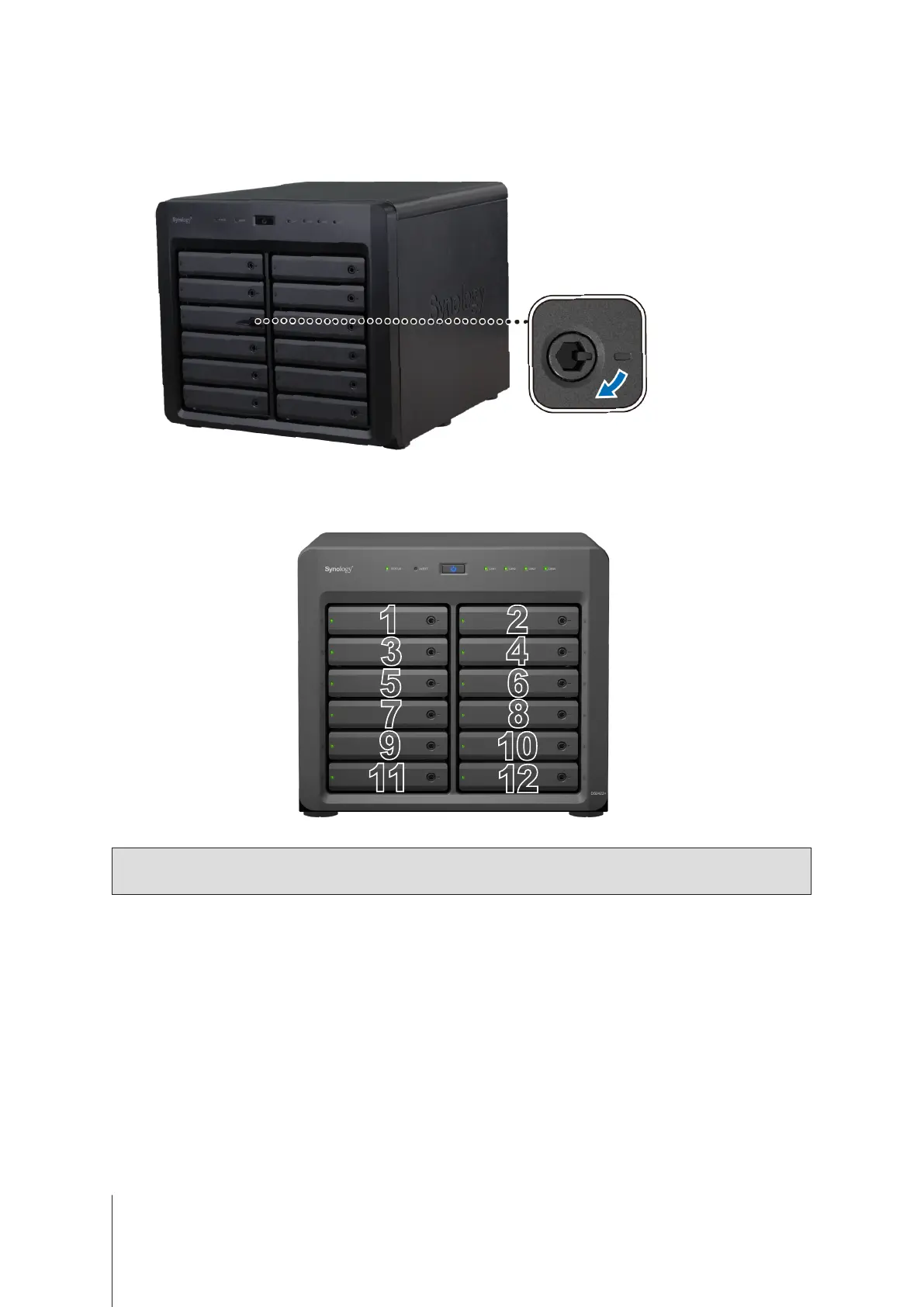
Insert the hard drive tray key into the hard drive tray lock, turn the key clockwise (to the "I" position) to lock the
hard drive tray handle, and then remove the key.
7
Repeat the steps above to install the other drives you have prepared.
8
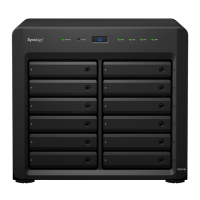
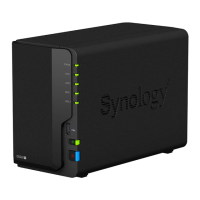
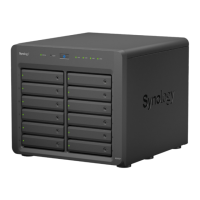
Drives are numbered as shown below.
Note:
If you plan to create a RAID volume, we recommend installing drives of identical size to make the best
use of drive capacity.










 To Next Page