Document Number: MKT-70-1096 Revision 1 Page 18
SYSMEX XE-5000
TM
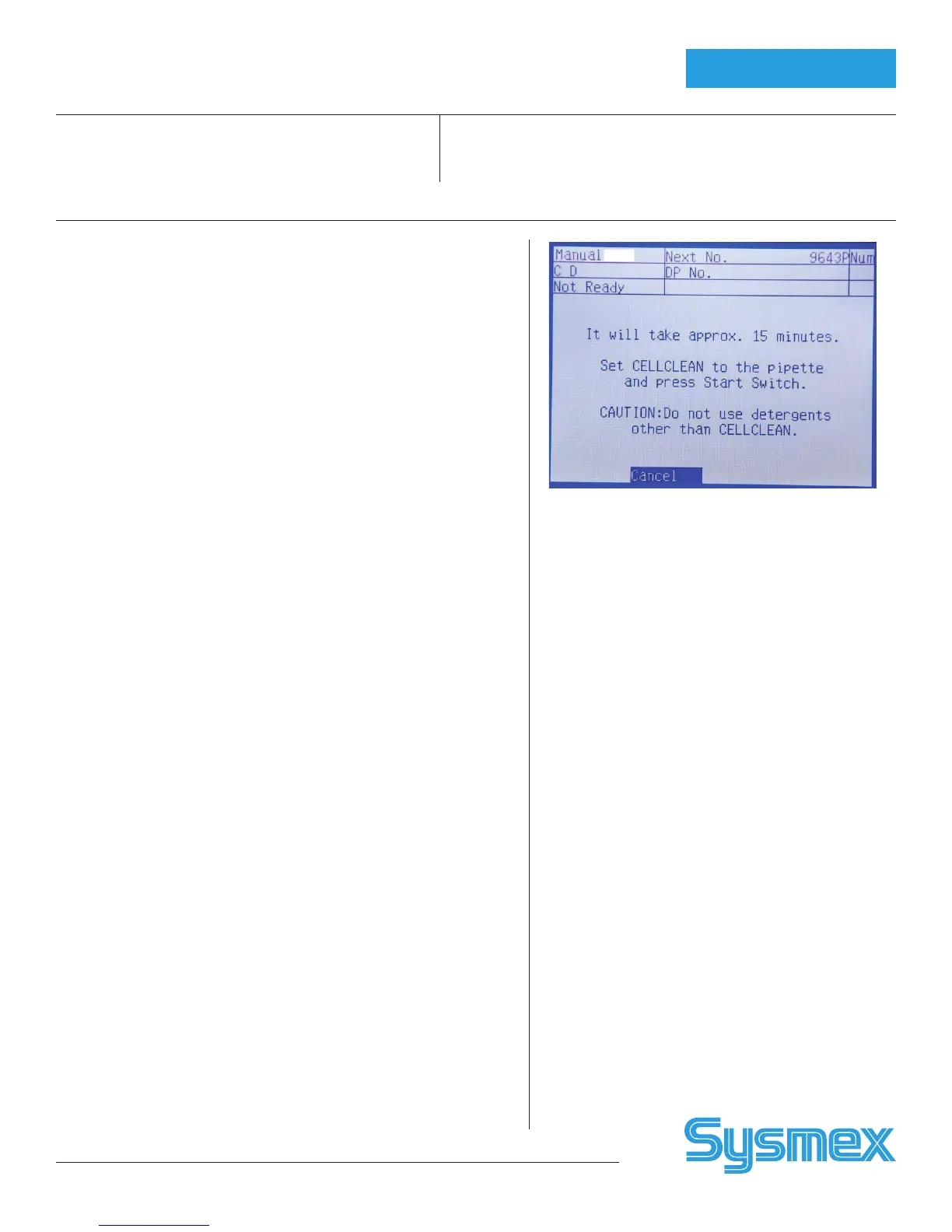
XE Daily Shutdown
Perform daily or when “Execute Shutdown” displays (every 500 samples) or
perform instead of Rinse Flow Cell when “Execute Rinse Flow Cell”
message displays (every 400 retics).
1. Press [SHUTDOWN] on Main Unit.
2. Hold 5mL of 5% NaClO filtered bleach (Clorox brand) up to manual
pipette. Press START SWITCH. Bleach is aspirated.
3. When beeping stops and ‘READY’ LED turns off, remove tube of bleach.
4. After about 15 minutes, Main Unit displays “Please POWER Off.”
5. To continue analysis, select “RESTART” on LCD screen. After auto-rinse
and background check is completed, XE-5000 is “Ready”.
Weekly: Power IPU off after performing
Daily Shutdown
XE Power Off Order: 1) XE Main Unit 2) IPU
1. To power off XE, turn off Main Unit power switch.
2. To Power off IPU, click [FILE], [EXIT] on screen. Click [YES] to exit
XE-5000 program.
3. Click [START] at bottom of Windows desktop. Then click
[SHUTDOWN].
4. Click “Shutdown the Computer” and press [ENTER].
5. The system displays: “Please wait while the system writes unsaved data
to the disk”.
6. When dialog box displays: “It is now safe to turn off your computer”,
turn IPU power off.
Every 30,000 Samples
• Clean Sample Rotor Valve with 1:10 Bleach and DI water.
Reset SRV Cycle Counter.
Convenient to clean Manual Rinse Cup and SRV Tray when SRV is
cleaned.
• Replace Piercer Needle and Reset PIAS Cycle Counter.
Convenient to clean Piercer Tray when Piercer is replaced.
• Resetting Cycle Counters
1. On XE Main Unit press [MORE], [TEST] and [STATUS] on the
function menu. Select [COUNTER] from Status function menu
screen.
2. Use [↓] or [↓] arrows to select item to be reset. [toggles between
SRV and PIAS (Piercer assembly)]
3. Press [OK] on function menu to reset to zero. Press [CANCEL] to
exit.
As-needed Maintenance:
Remove IMI or RBC clog
• Use HELP key if error occurs.
• Press Maintenance, [3] Clog removal on XE Main
Unit.
• Clean IMI detector aperture if IMI Clog removal does
not remove clog.
• Clean RBC detector aperture if RBC Clog removal
does not remove clog.
Perform Rinse Flow cell
• Perform if “Execute Rinse Flow Cell” message displays
(> 400 Retics per day).
• Perform if abnormal Scattergram pattern occurs.
• Perform if QC errors occur on flow cell parameters.
• Clean Flow Cell with 1mL of 5% Clorox bleach using
Maintenance, [4] Rinse Flow Cell Procedure.
• When cleaning is completed, perform Maintenance,
[2] Air Bubble Removal.
Remove Air Bubbles from flow cell if abnormal
scattergram patterns occur. Also perform after execut-
ing Rinse flow cell (Maintenance, [2] Air Bubble Removal
program).
Refer to Instructions for Use
to Clean
• Manual Rinse Cup
• SRV Tray
• Cap Piercer Tray
Shutdown Instructions
Maintenance



 To Previous Page