6
| Setting the SAVE CONNECT module to Modbus TCP converter mode
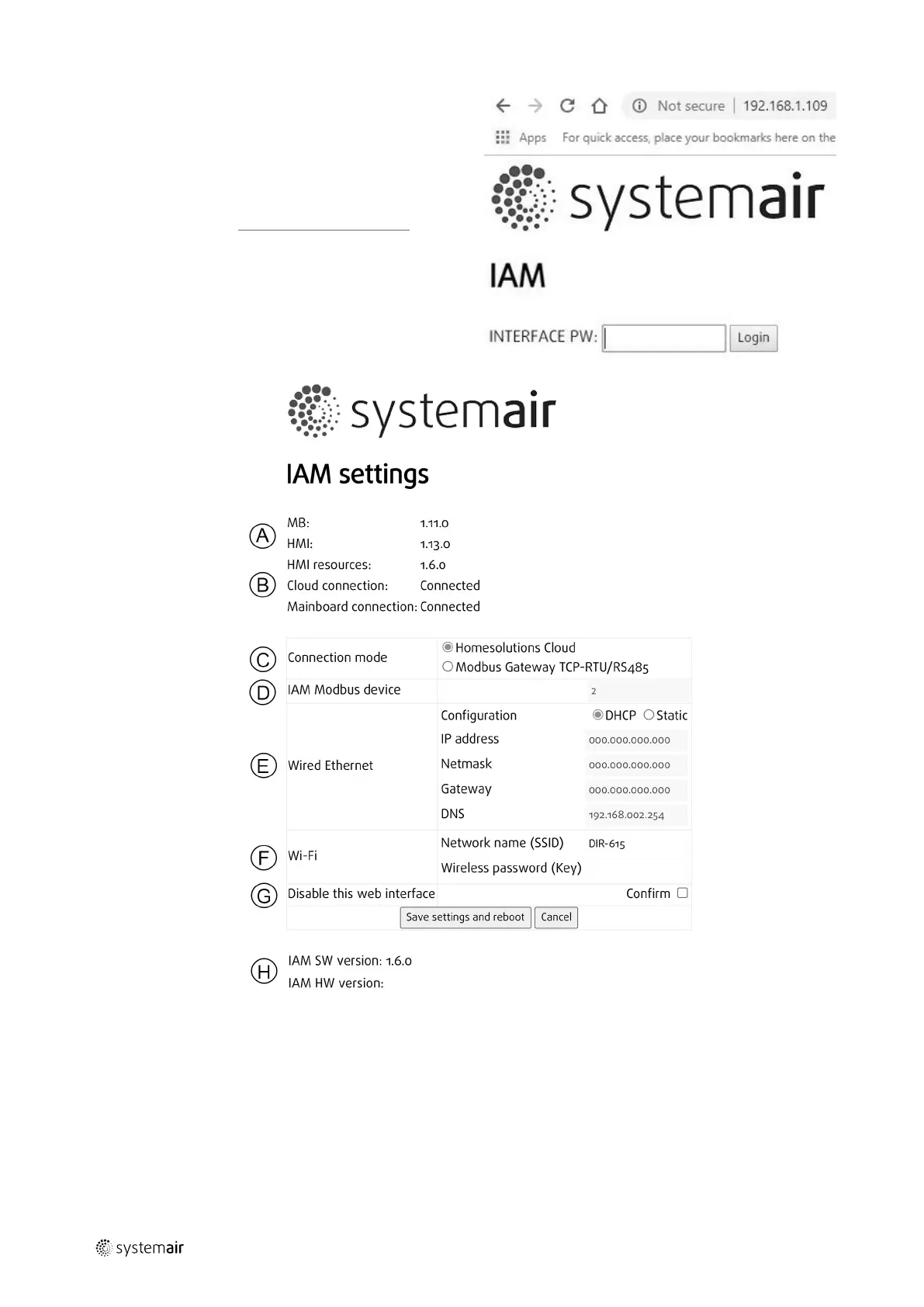
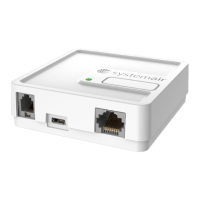
1 Find the SAVE CONNECT module IP ad-
dress. The IP address is dynamic and will
be different at different installations.
2 Open your internet browser and enter
the IP address of your SAVE CONNECT
module (e.g. http://172.16.10.50).
3 Type in the SAVE CONNECT module in-
terface password in the opened login
screen.
The password can be found on a back la-
bel of the SAVE CONNECT module.
A.Main Board (MB), Control panel (HMI) and language pack (HMI resources) versions
stored in the SAVE CONNECT module. The SAVE CONNECT module can be used to up-
date SAVE units with older firmware versions.
B. Connection status of the SAVE CONNECT module.
C. Connection mode:
• Homesolutions Cloud mode allows the SAVE CONNECT module to connect to Home-
solutions Cloud enabling the user to use the mobile APP (default selection).
254977 | v6



 To Next Page