Total no. of pages: 30
PAGE 10
Anleitung EAG80_26_00_2017_03_28_GB
Version 28.04.2017
4 Menu structure
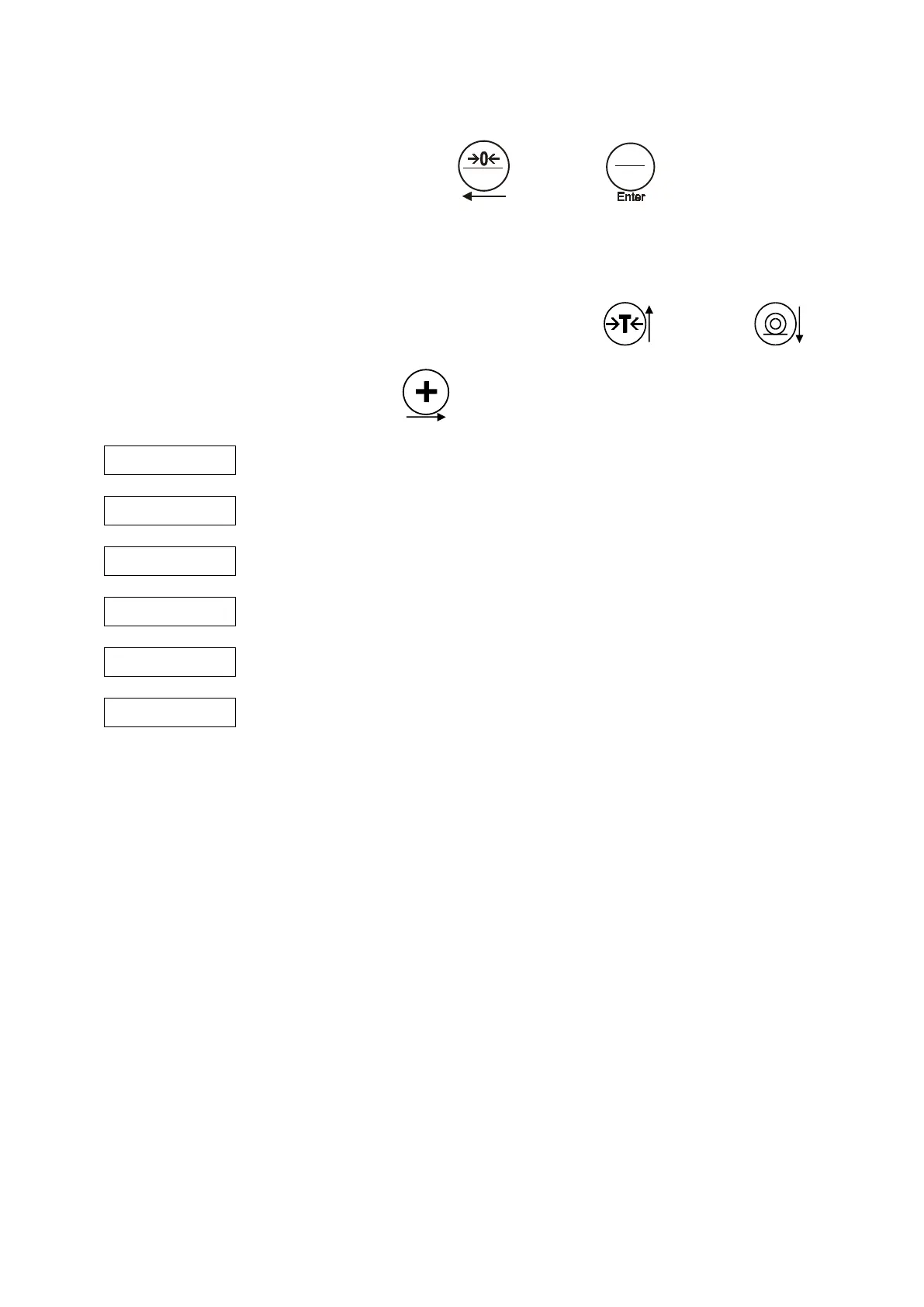
To select the menu, simultaneously push button 1
and button 2
for longer.
Then the menu items will appear.
All menu items are listed below.
You can navigate from one menu item to the next by pushing button 4
and button 5 .
Menu items can be selected with button 3
.
Settings scales / weighing system
Parameters dosing programs


 To Next Page