Page 23
Need help? Visit
or call T-Mobile customer service at
T-Mobile 5G Gateway User Guide
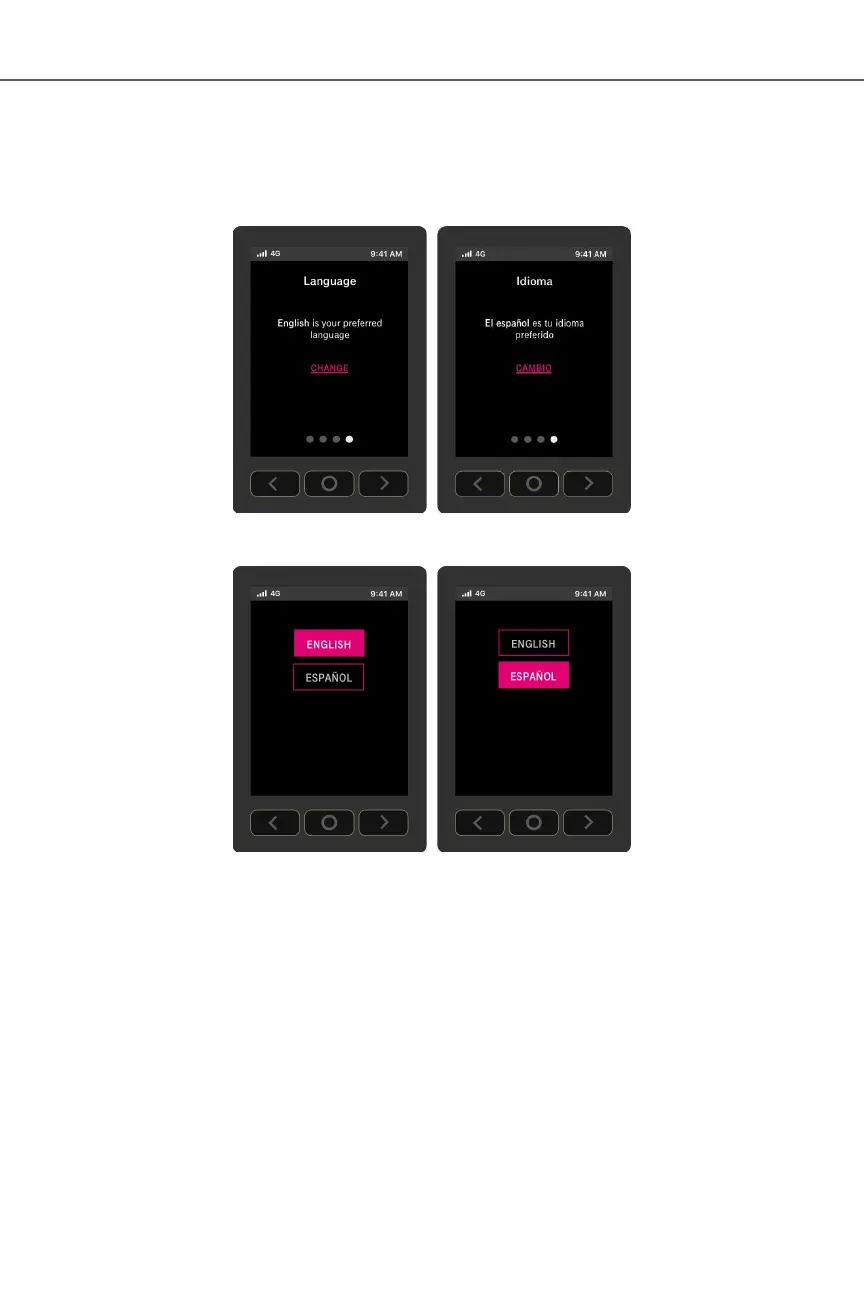
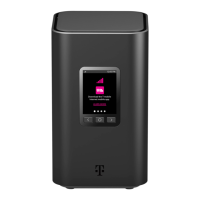
The gateway supports both English and Spanish on its LCD. You may change the language by doing:
1. From the Language screen, select CHANGE
2. From the Language screen, choose English or Español
3. Press O (OK) on the panel to set the language


 To Next Page