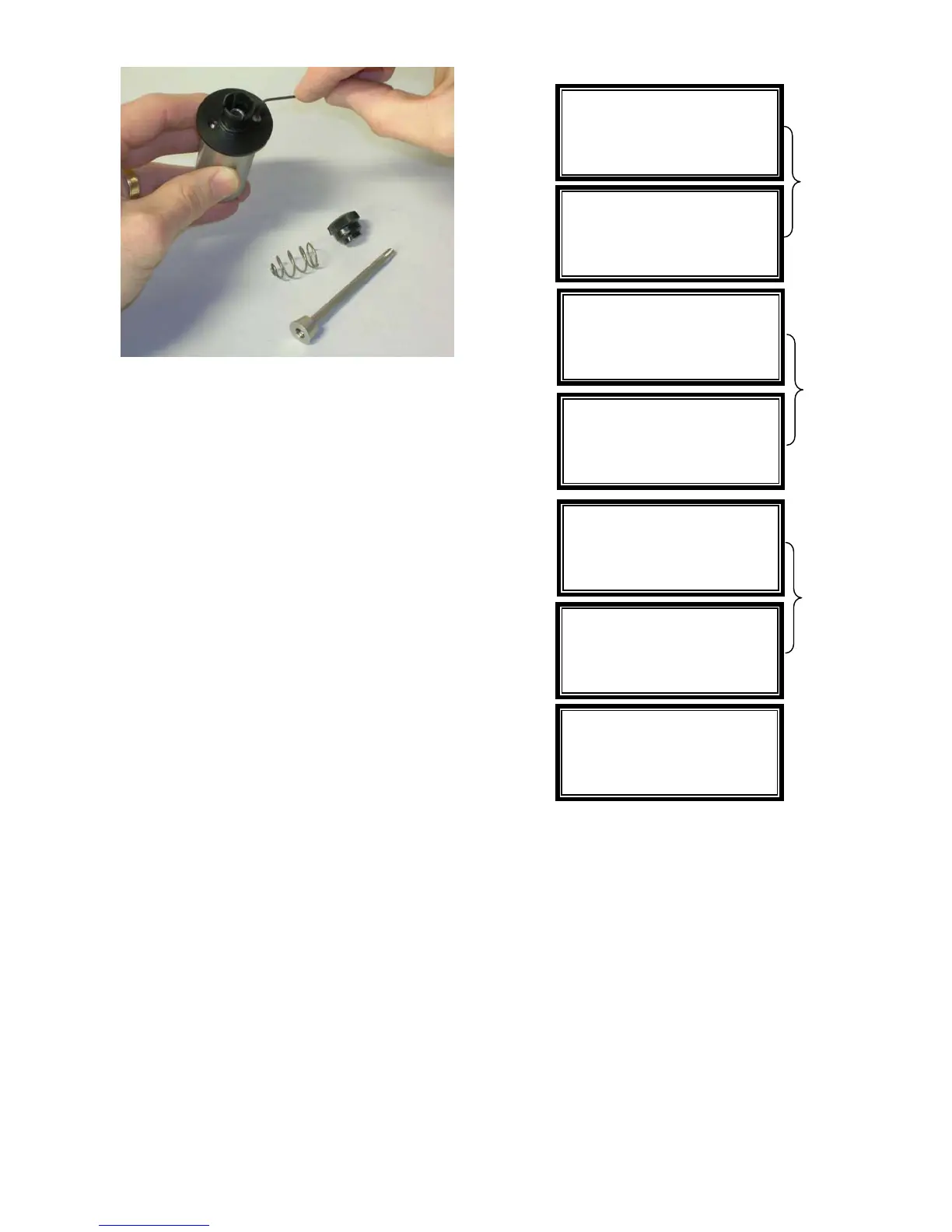
Figure 84
Vacuum Unit
The vacuum unit included with model 5135 and
5155 is designed with a heavy-duty motor that
includes life-lubricated sealed bearings.
Vacuum cartridge filter and collection bags
should be replaced on a regular basis.
Motor Calibration
The motor speed is checked and adjusted every
time the proximity switch is triggered. The CPU
compares the amount of time that the last
revolution took to the expected amount of time,
based on the cycles per minute setting. The
voltage sent to the motor controller is then
adjusted to accommodate any deviation in the
expected versus actual revolution time. This
feature should be factory calibrated on an
annual basis.
Clock
A menu option provides a means to change the
time and date for the internal clock. The
following explains how to access this function:
1. Press the MENU button to display Menu
Options (see below for screen displays).
2. From the menu options, press 0 key for
more selections then 1 to select Clock.
3. The display screen will prompt you to type
the required time and date information.
For time, enter hour and minutes
(HH:MM); for date, enter month, day and
year (MM/DD/YY).
4. Press ENTER to save or CLEAR to
cancel.
1-Speed 4-
acuu
2-Refacing 5-Outlet
3-Display 6-Reset
>Select Menu Option
Usage
Through the Menu Option, you can also display
the total cycles of operation that the instrument
has worked. To view:
1. Press the MENU button to display Menu
Options (see below for screen displays).
2. From the menu options, press 0 key for
more selections then 2 to select Usage.
3. Press CLEAR, to return to the menu
screen.
Change Time and Date
00:00 HH:MM
00/00/00 MM/DD/YY
>ENTER hours (00-23)
Change Time and Date
00:00 HH:MM
00/00/00 MM/DD/YY
>CLEAR key to return
Time/Date set to
XX:XX HH:MM
XX/XX/XX MM/DD/YY
Alternating
Display
Screens
1-Clock
2-Usage
>Select Menu Option
1-Spee
4-
acuu
2-Refacing 5-Outlet
3-Display 6-Reset
>0 Zero key for more
Alternating
Display
Screens
Alternating
Display
Screens
1-Clock
2-Usage
>CLEAR key to return
42 5135 / 5155 Operating Instructions ver 1.1


 To Next Page