KIPTRACK
40
MONITOR MEMORY
Your monitor stores the most 352 recent results, and also pro-
vides the average of the blood glucose test results currently
stored. Please follow the steps listed below to review those re-
sults.
View Results on the Monitor
Step1. Enter the memory mode.
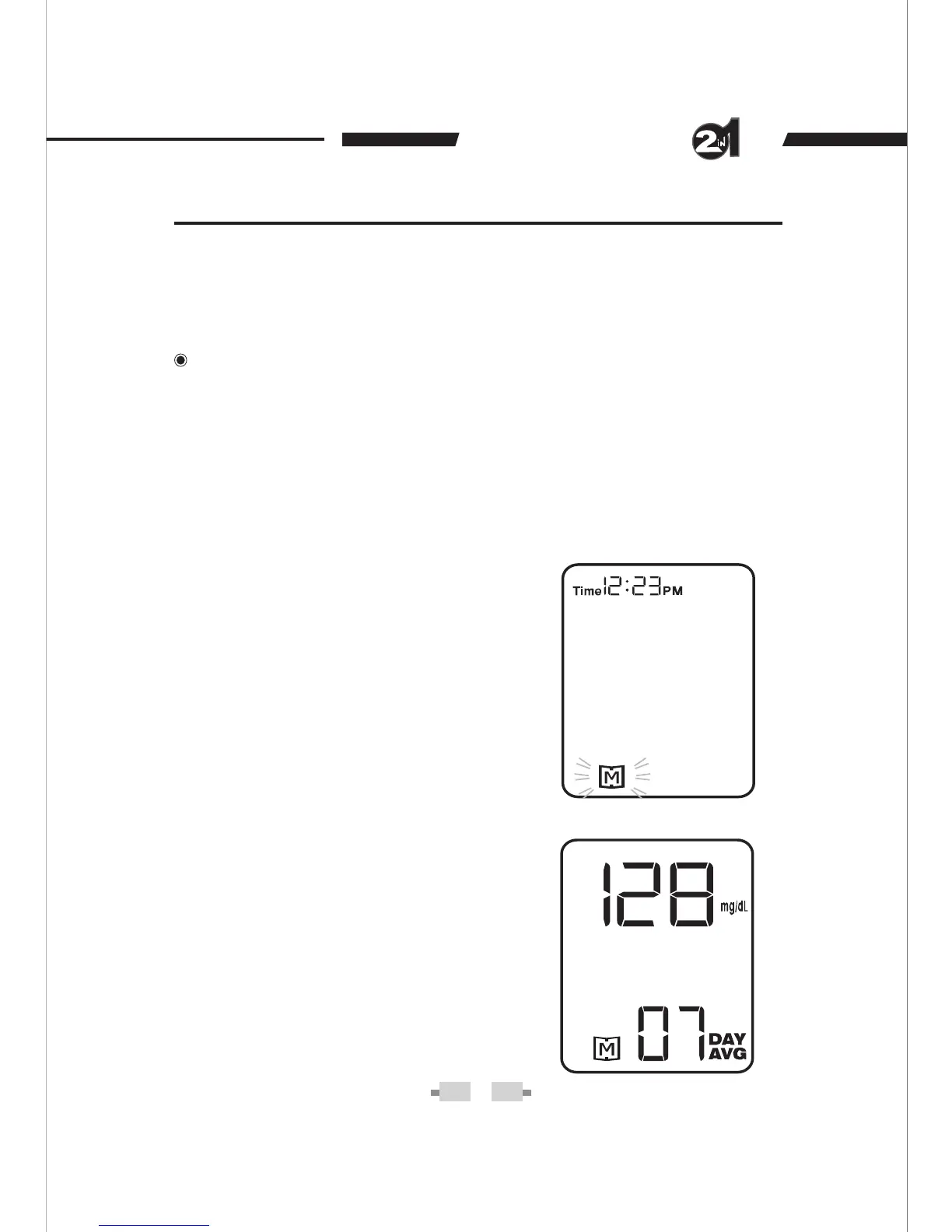
When the monitor is off, press the M button. The 7-day average
blood glucose will appear, indicating that you are in the memory
mode. If you continue to press the M button, the 14-, 21-, 28-, 60-,
and 90-day averages will appear. You can then review the average
tests in each measuring mode in the order of: Gen, AC, and PC.
When using the monitor for the
first time, “---” appears, showing
that there are no test result in the
memory.
The 7-day average is calculated
from the blood glucose results
obtained during the last 7 days.
The example displayed means
that the blood glucose average
performed over the last 7 days
was 128 mg/dL.


 To Next Page