43
TAKING CARE OF YOUR MONITOR & STRIP
To avoid the monitor and test strips getting dirt, dust or other
contaminants, please wash and dry your hands thoroughly before
use.
Cleaning
To
clean the monitor exterior, wipe with a cloth moistened with
•
tap water or a mild cleaning agent, then dry the monitor with a
soft and dry cloth. Do not flush with water.
Do not use organic solvents to clean the monitor and cuff.•
The cuff can be cleaned by wiping with a moistened cloth and •
soap. Do not immerse in water.
Storage
1. Monitor Storage
Storage condition: -25°C 70°C to •
(-13°F 158°F), below 10% to 95% to
relative humidity.
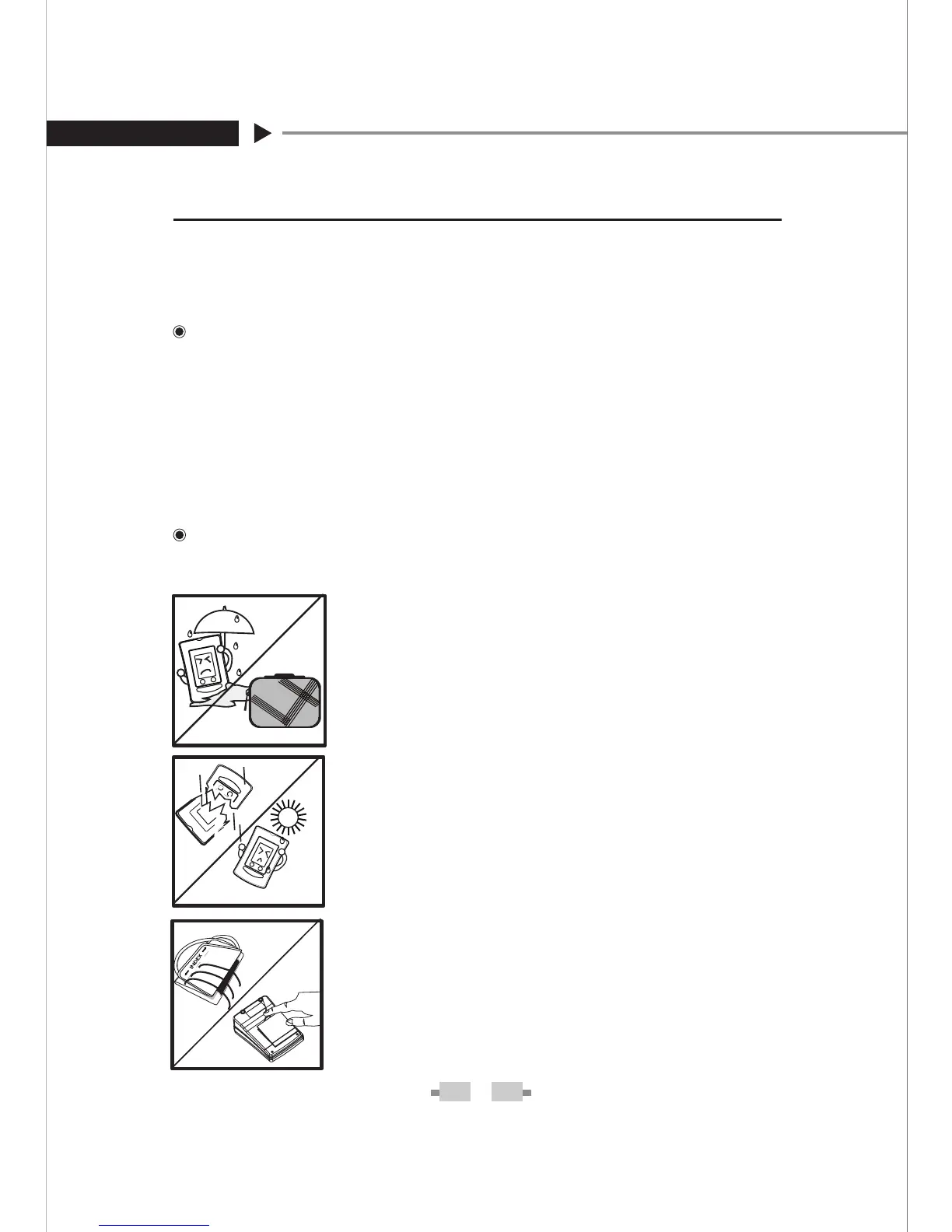
Always store or transport the monitor •
in its original storage case.
Avoid dropping and strong impact.•
Avoid direct sunlight and humidity.•
Do not disassemble, modify or try •
to repair the monitor or cuff by
yourself.
Do not over-wring the cuff or turn •
the cuff inside out.
If you are not going to use the moni-•
tor for an extended period, please
remove the batteries.


 To Next Page