KIPTRACK
16
PREPARATIONS BEFORE USE
Battery Replacement
Your monitor comes with batteries.
The monitor will remind you when the
power is getting low by
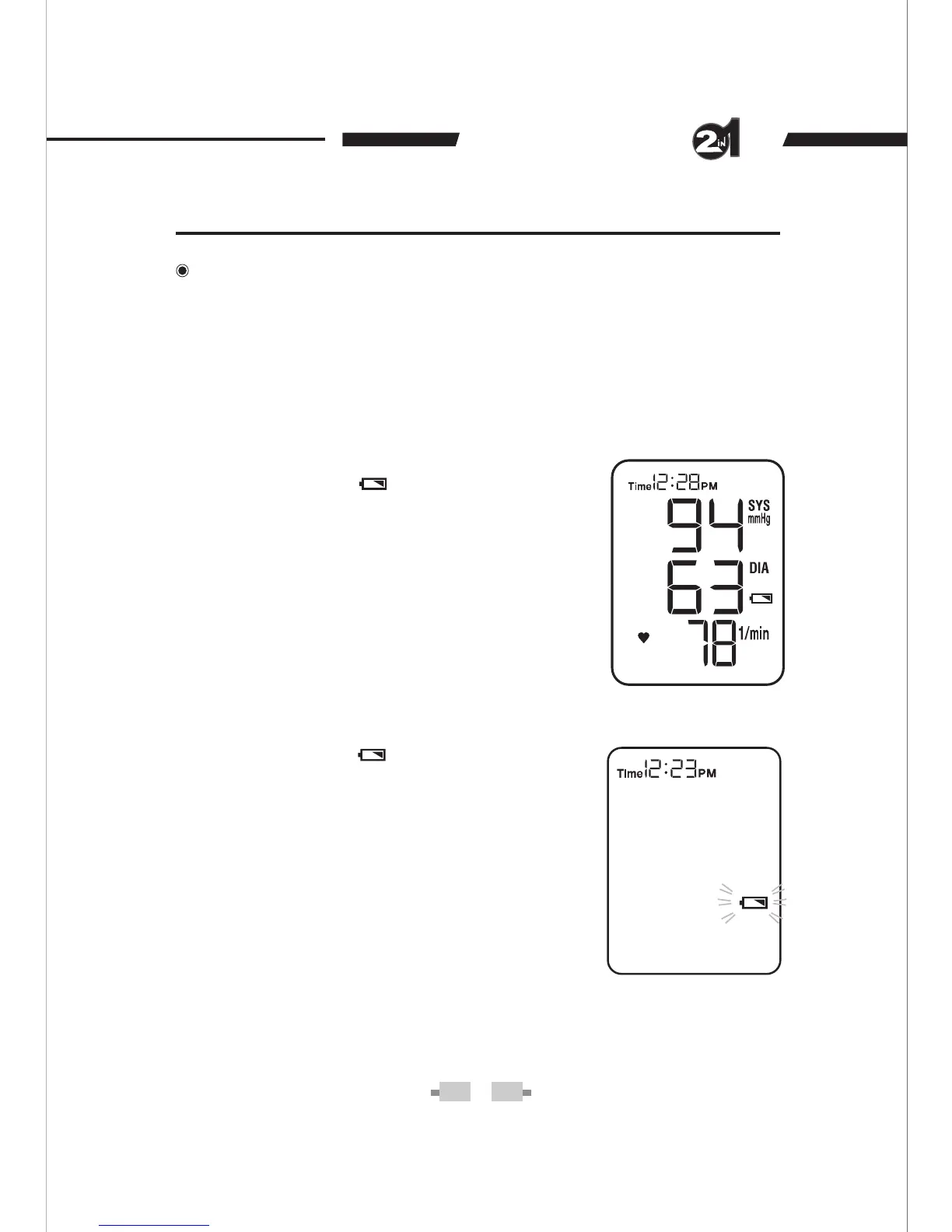
Battery Symbol 1.
appears while you
perform tests. This means it is about
time the batteries are changed. However,
the test result is still accurate.
2. Battery Symbol
flashes by itself and
the monitor cannot perform any
measurement. This means you must
change the batteries immediately.
When replacing, use ONLY
1.5V AA size alkaline batteries for best performance and longest life.
displaying two different messages:


 To Next Page