18
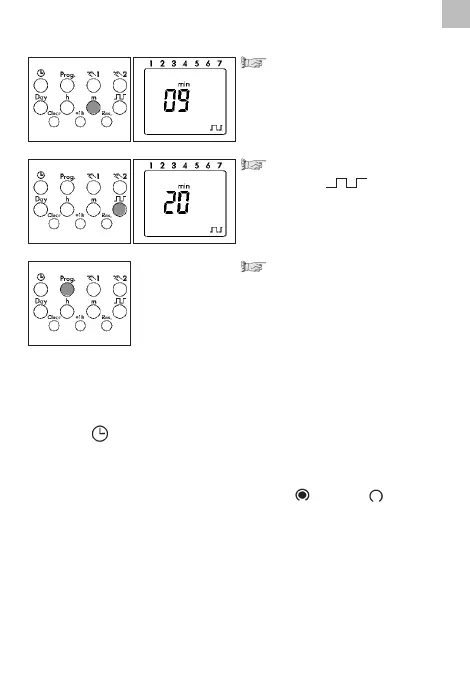
Preselection for:
- Seconds
- Minutes
with the m key
Set the ON switching duration:
with the key 01...99
Confirm with the Prog key
A switching OFF time is displayed here with 00:00 for all 7 days of the
week. You can change these individually or delete them with Clear.
The input is ended.
A free memory location is displayed for fu
rther settings or
Press the key 1x. The input is ended.
The Display shows the current time.
Note:
The next switching command in the program sequence ends the
cycle. The switching command can be = ON or = OFF.
Note: After the procedures
• read, modify or delete the time, date, switching program
• DCF synchronisation
•
restoration of mains power the switching state of the time switch is
updated automatically.
This means that:
• impulse switching commands from earlier times are ignored
•
active cycle switching commands are re-started with the programme
ON-switching time



 To Next Page