GB
19
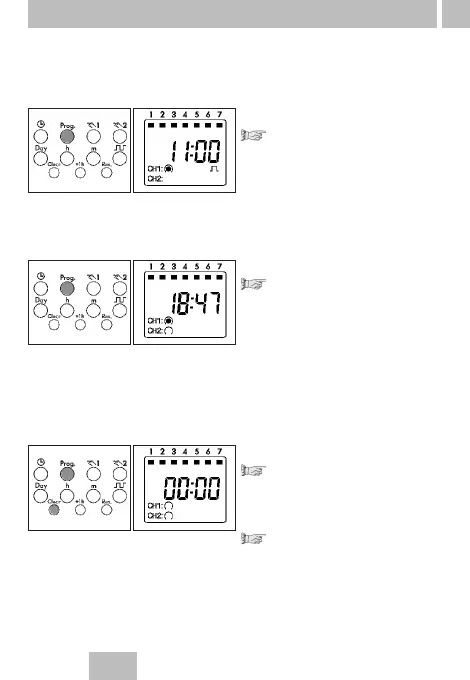
Read
Press the Prog key step by step
Each individual content is displayed
until the end of the program.
Then:
•
One free memory location – –:– –
•
One digit (free memory locations)
(ex. Fr 10)
Change
Press the Prog key step by step as
far as the switching command/
contents which you want to change/
overtype.
Change the switching
command/contents:
As described in
8.
Weekday block formation
9.
Impulse switching commands
10.
Cycle switching commands
Delete - individual switching commands
Press the Prog key step by step as
far as the switching command/
contents which you want to delete.
Press the Clear key once.
This switching command is deleted.
Note:
You will completely delete the
cycle switching commands and
pulse switching commands when
you delete the start time.
• You can read the program contents stepwise
• You can change or overtype the program contents
• You can delete the program contents
• You can delete the date and time
11. Read – change – delete – reset



 To Next Page