
 Need help?
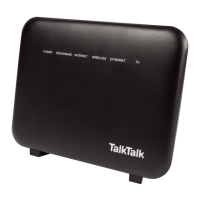
Do you have a question about the TalkTalk Super Router and is the answer not in the manual?
Verifying all necessary equipment is present in the router box.
Instructions on identifying the correct phone socket for router connection.
Steps to disconnect existing cables from the master socket.
Step-by-step guide to connect the router using a microfilter for standard sockets.
Steps to connect the router when using a pre-filtered master socket.
Verifying all necessary equipment is present in the router box.
Identifying the current router and Openreach modem for disconnection.
Steps to disconnect the power supplies of the existing router and modem.
Connecting the new Super Router to the master phone socket.
Connecting the new Super Router to the power outlet and confirming activation.
 General
| Antenna Type | Internal |
|---|---|
| Firewall | Yes |
| Parental Controls | Yes |
| Guest Network | Yes |
| Type | Wireless Router |
| Ethernet Ports | 4 |
| WAN Port | 1 |
| USB Ports | 1 |
| Security | WPA/WPA2 |
| Frequency Bands | 2.4GHz |

 To Next Page