Set up YouView
19
Watch YouView
1
Check the On/Off switch is switched on at the back of the
YouView box.
2 Press on your TalkTalk remote
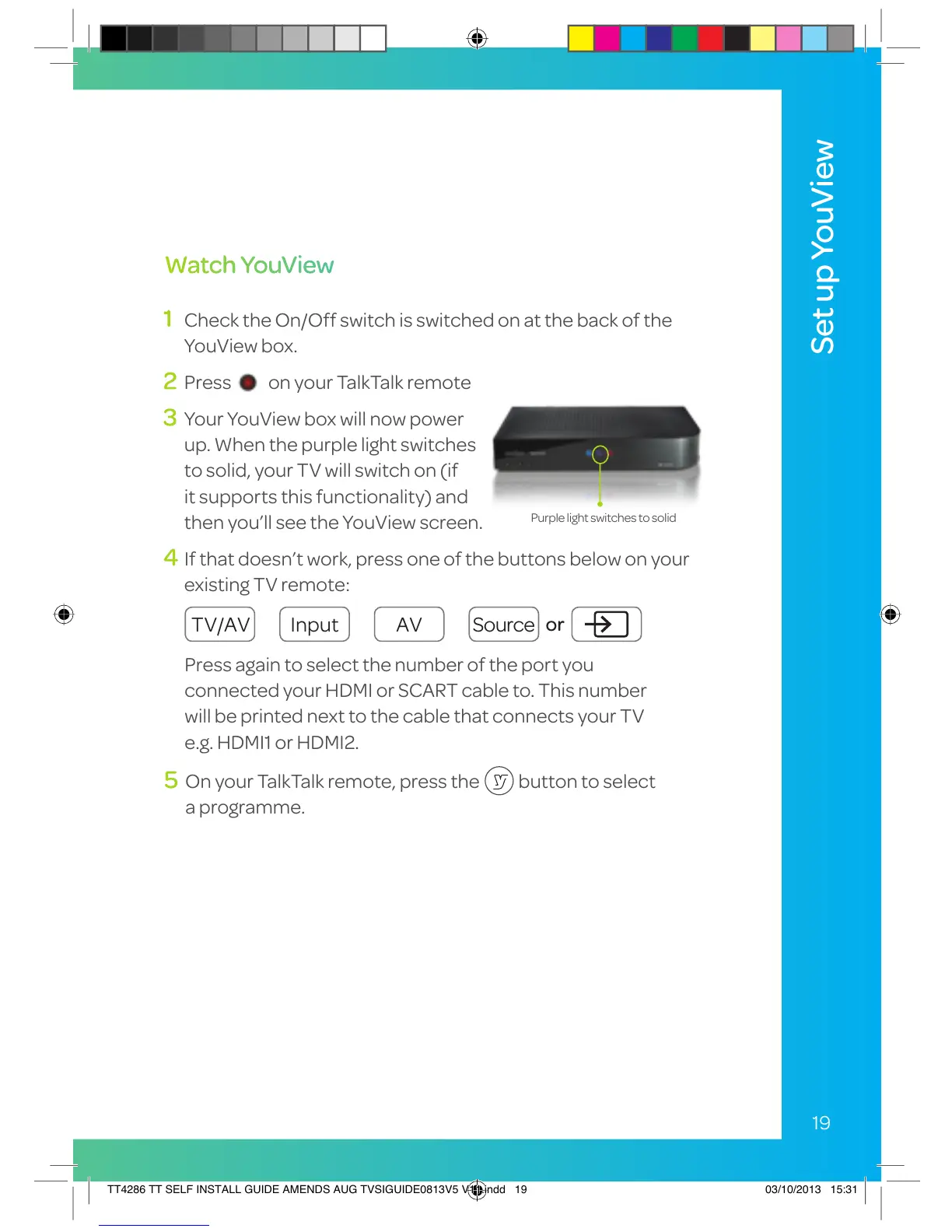
3 Your YouView box will now power
up. When the purple light switches
to solid, your TV will switch on (if
it supports this functionality) and
then you’ll see the YouView screen.
4 If that doesn’t work, press one of the buttons below on your
existing TV remote:
Purple light switches to solid
5 On your TalkTalk remote, press the button to select
a programme.
Press again to select the number of the port you
connected your HDMI or SCART cable to. This number
will be printed next to the cable that connects your TV
e.g. HDMI1 or HDMI2.
TV/AV Input AV Source
or
TT4286 TT SELF INSTALL GUIDE AMENDS AUG TVSIGUIDE0813V5 V11.indd 19 03/10/2013 15:31


 To Next Page