17
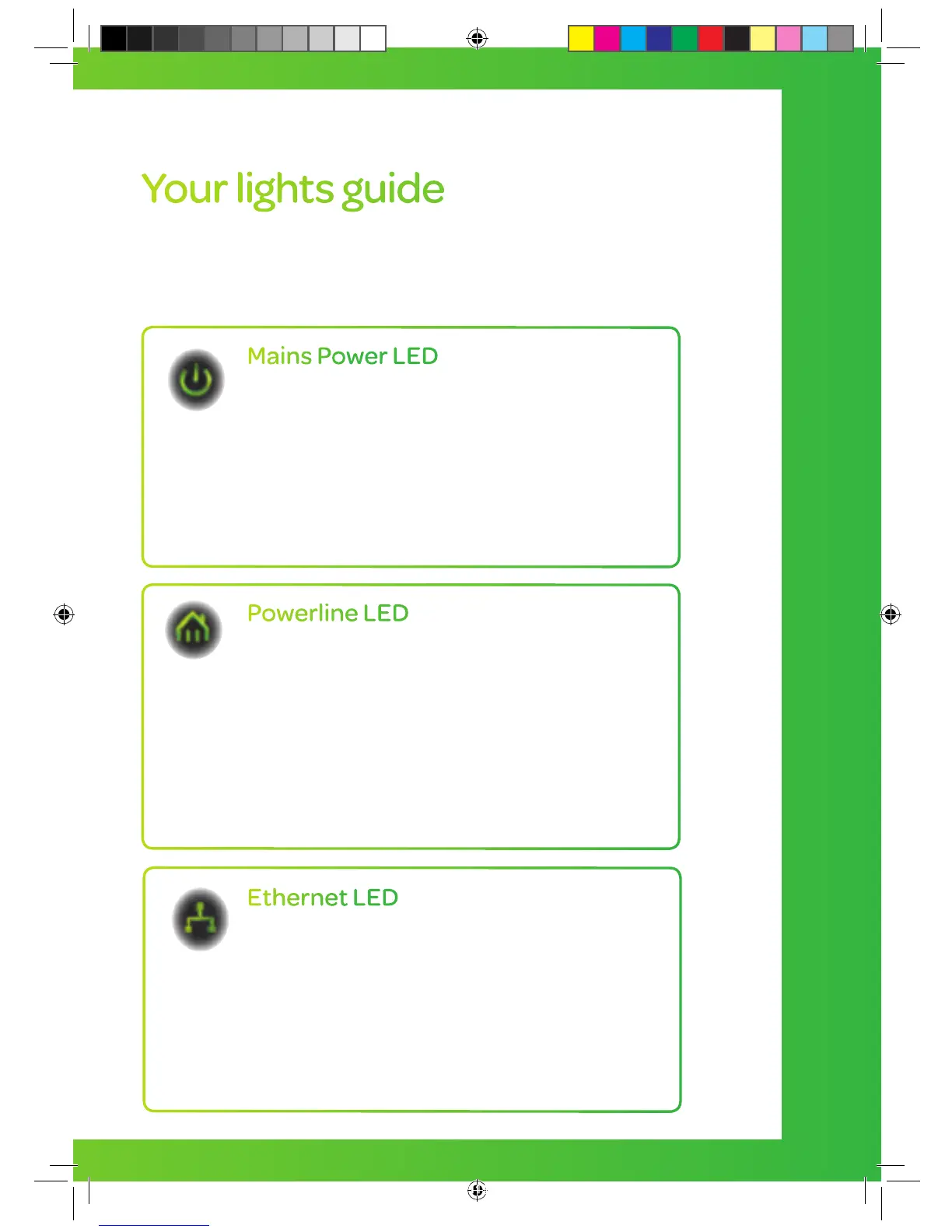
Your lights guide
Here is a brief description of the lights that appear on the front
of your Powerline Adapters:
Powerline LED
Solid – The Powerline Adapter is connected
to a Powerline network.
Blinking – The Powerline Adapter is
transmitting data.
Off – The Powerline Adapter has not found
any compatible Powerline Adapters. Visit
talktalk.co.uk/help/powerline for tips on
how to fix this.
Mains Power LED
Solid – The Powerline Adapter is receiving
electrical power.
Blinking – The Powerline Adapter is setting
itself up after the reset button was pressed.
Off – The Powerline Adapter is not receiving
electrical power. You should check that your
power socket is turned on.
Ethernet LED
Solid – The Ethernet port is linked but there is
no data being transmitted.
Blinking – The Powerline Adapter is
transmitting data.
Off – There is no Ethernet connection. This
means the yellow Ethernet cable connected to
your router may be unplugged, or not working.
Connect the box and cables WITH Powerline Adapters
TT4286 TT SELF INSTALL GUIDE AMENDS AUG TVSIGUIDE0813V5 V11.indd 17 03/10/2013 15:31


 To Next Page