22
Table 3.3 Start-up and shutdown
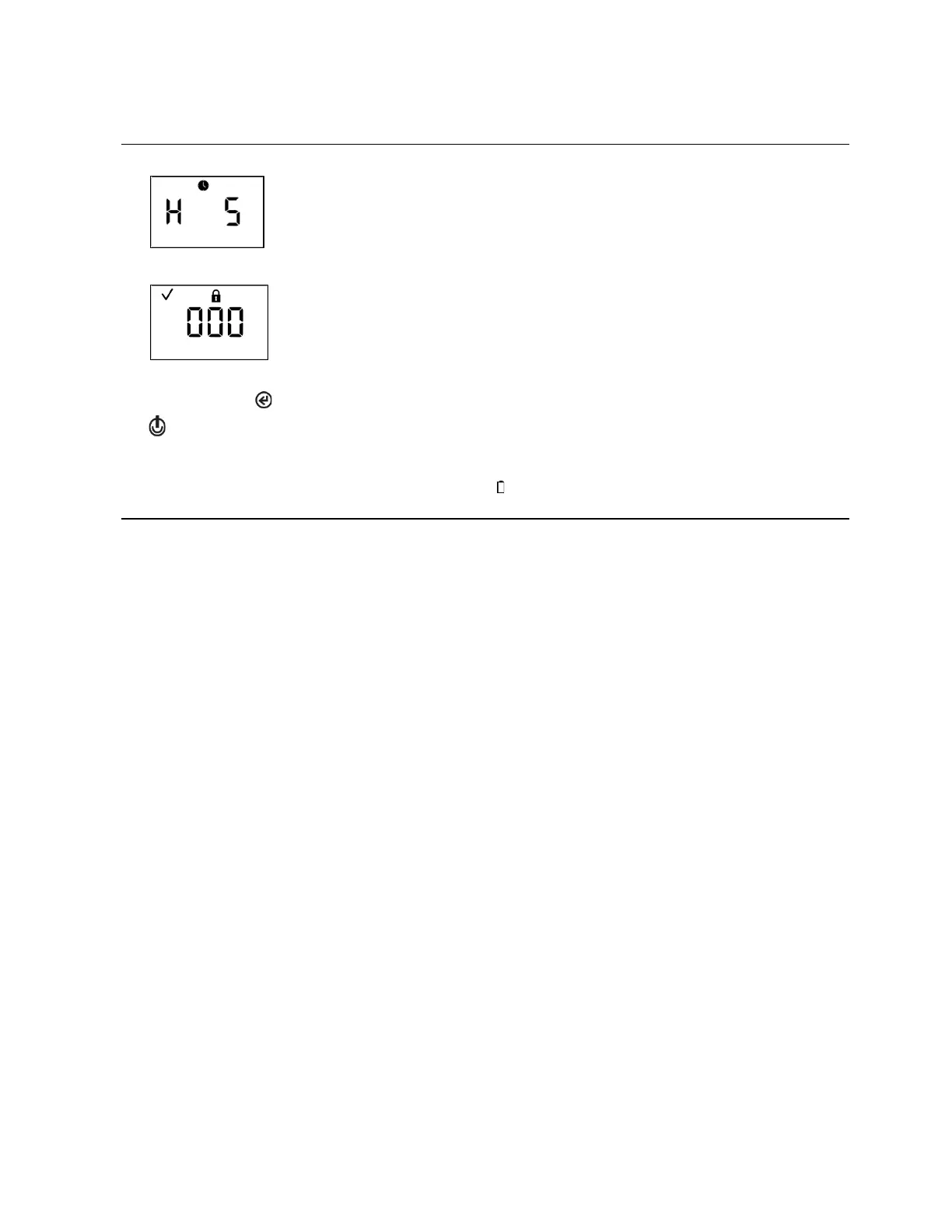
Countdown
Press and hold for five seconds.
After a five-second countdown:
The instrument powers off if;
• the always-on feature is disabled or
• the always-on feature is enabled and the security code is set to 000.
Enter security code
If this screen is activated, the shutdown process is security-code protected. To complete
shutdown, the user must enter the correct three-digit code.
Value range: 000 to 999
a
Increments the value by one; hold to speed the increment pace.
Enters the value. If the value is correct, the unit powers off. If the value is incorrect, the home
screen is activated. Dock the unit or store it for next use.
Note: When the instrument is powered off, it completes a battery self-check every 24 hours,
briefly displaying a battery icon ( ). The icon displays only to indicate that the test has been
performed; it is not indicative of the battery’s charge level.
a
When editing a value, once the last value in the range is reached, the display starts again with the first value.
To prepare the instrument for first use, qualified personnel should proceed with the configuration process
(see "Configuration").
To operate a field-ready unit, refer to "Operation."



 To Next Page