Operation
29
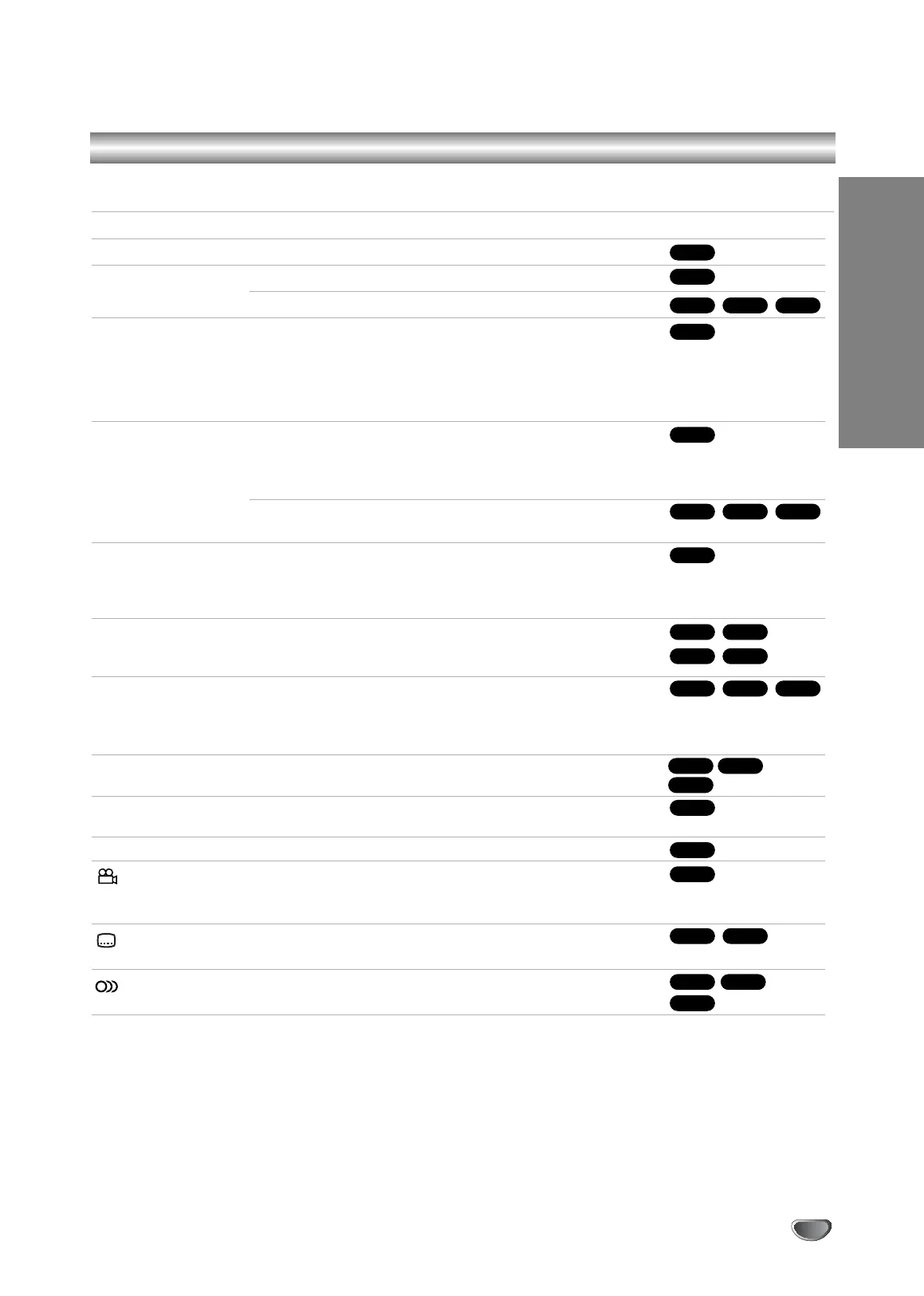
Buttons Operations
Z (OPEN / CLOSE) Opens or closes the disc tray.
X (PAUSE) During playback, press X to pause playback.
Press X repeatedly to play Frame-by-Frame.
. / > During playback, press . or > to go to the next
chapter/track or to return to the beginning of the current
chapter/track.
Press . twice briefly to step back to the previous
chapter/track.
m / M During playback, press m or M repeatedly to select the
required scan speed.
DVD, DivX disc; 4 steps
Video CD, MP3, WMA, Audio CD ; 3 steps
While the playback is paused, press M repeatedly to play in
slow motion (4 steps, forward only).
REPEAT Repeatedly press REPEAT during playback to select the
desired repeat mode.
DVD video discs: Chapter/Title/Off Video CDs, Audio CDs,
DivX/MP3/WMA discs: Track/All/Off
A-B During playback, each press of A-B button to select point A
and point B and repeats a sequence from point A (Starting
point) to point B (End point). Press CLEAR to exit.
ZOOM During playback or pause mode, press ZOOM to enlarge the
video image (4 steps).
You can move through the zoomed picture using bBvV
buttons. Press CLEAR to exit.
RANDOM During playback or in stop mode, press RANDOM for random
playback.
TITLE If the current DVD title has a menu, the title menu appears
on the screen. Otherwise, the disc menu may appears.
DISC MENU The disc menu appears on the screen.
(ANGLE) During playback of DVD disc contains scenes recorded differ-
ent camera angles, press ANGLE repeatedly to select a
desired angle.
(SUBTITLE) During playback, press SUBTITLE repeatedly to select a
desired subtitle language.
(AUDIO) During playback, press AUDIO repeatedly to hear a different
audio language or audio track.
Discs
VCD
DivXDVD
DivXDVD
DVD
DVD
DVD
WMA
MP3ACD
DivXVCDDVD
ACDDivX
VCDDVD
ALL
DivXVCDDVD
ALL
ALL
DivXVCDDVD
ALL
ALL
General Playback features - DVD Part
V1503P1Z.NA6ITTA_S_38U 12/09/2007 12:07 PÆgina 29


 To Next Page