24
4:3 PS
4:3 LB
16:9 Wide
Press SETUP to exit Current selection
Press SETUP to exit
Record Show
DONE
Back
Press to change settings.
Channel
P01
4:3 PS
4:3 LB
16:9 Wide
Press SETUP to exit Current selection
Press SETUP to exit
Record Show
Back
DONE
Press to change settings.
Input Source
Tuner
4:3 PS
4:3 LB
16:9 Wide
Press SETUP to exit Current selection
Press SETUP to exit
Record Show
Press to change settings.
DONE
Back
Quality
SP(2hr)
4:3 PS
4:3 LB
16:9 Wide
Press SETUP to exit Current selection
Press SETUP to exit
Record Show
DONE
Back
Press ENTER to edit. The title is generated
based on the date you set.
Title
20040101
4:3 PS
4:3 LB
16:9 Wide
Press SETUP to exit Current selection
Press SETUP to exit
Record Show
New Title:
Delete
0 2 3 4 5 6 7 8 9
a b c d e f g h i j
k l m n o p q r s t
u v w x y z
Clear
Done Cancel
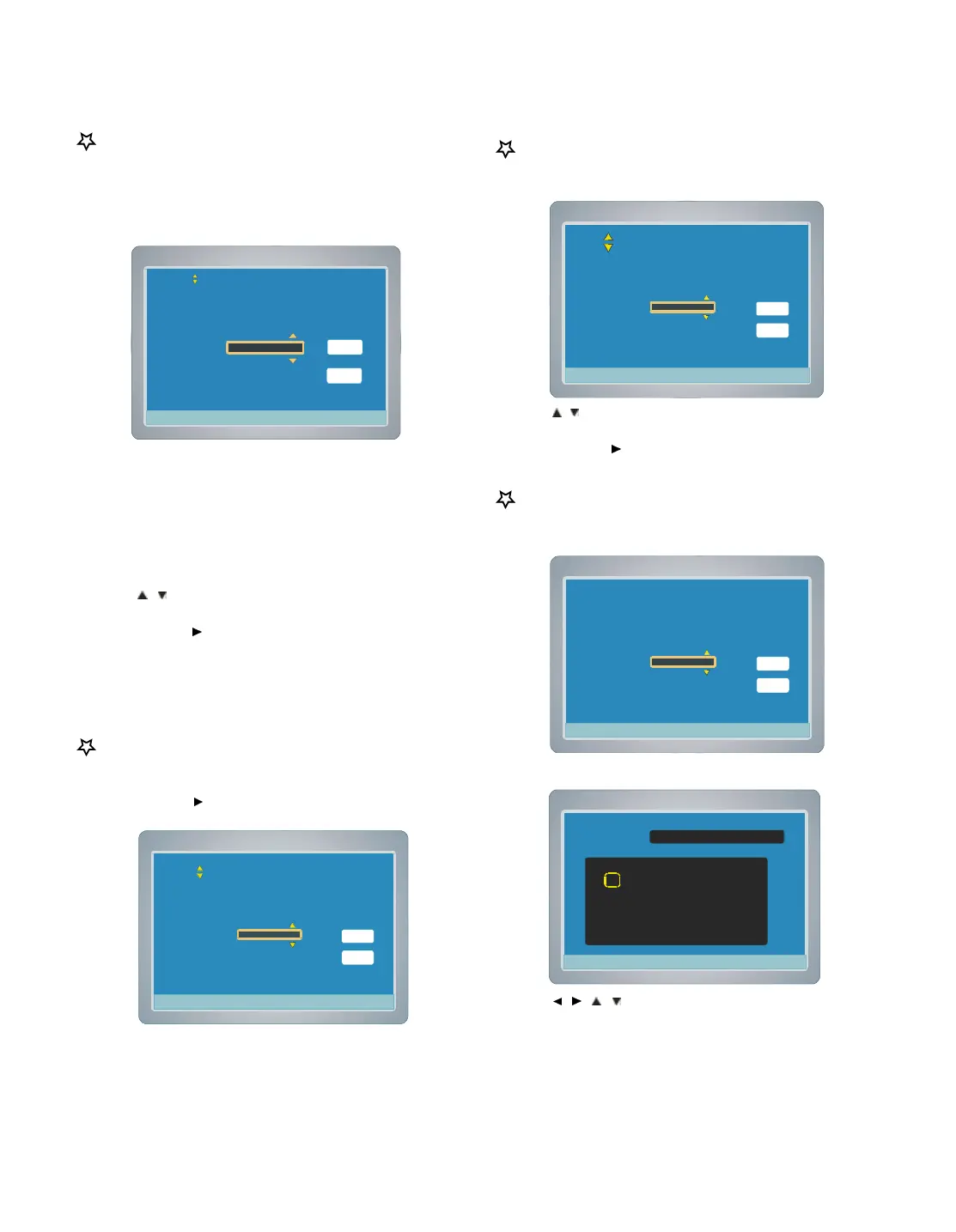
Setting Input Source
1. Select “Input Source ”.
2. Press ENTER , the Input Source screen appears.
3. Press
/ to select “Tuner ”, “Scart Video ” “Scart RGB ”
“Rear AV ”or “Front AV ”.
4. Press ENTER or
to select “DONE ”, then press ENTER , the
recording input source is selected. The “Record Show” screen
returns.
Setting Channel
1. Select “Channel ”.
2. Press ENTER or
, a message screen appears.
3. Press ENTER , then the “Record Show” screen returns.
Setting Quality
1. Select “Quality ”.
2. Press ENTER , the Quality screen appears.
3. Press
/ to select “HQ(1hr) ”, “SP(2hr) ”,“LP(3hr)”, “EP(4hr)”or
“EP+(6hr)”.
4. Press ENTER or
to select “DONE ”, then press ENTER ,
recording quality is set. The “Record Show” screen returns.
Setting Title
1. Select “Title ”.
2 Press ENTER , title screen appears.
3. Press ENTER again, new title screen appears
4. Press
/ / / to select the letter or number, then press
ENTER.
5. Repeat steps 4 to make a title name (up to 10 characters).
Note : If you make a mistake, select “Delete ” or “Clear ”, and
press ENTER.
Delete :Every time ENTER is pressed, the last character of the
title name is deleted.
Clear : ENTER is pressed, the title name is cleared at once.



 To Next Page