34
Finalize the disc information
Please wait.....
4:3 PS
4:3 LB
16:9 Wide
Press SETUP to exit Current selection
Disc Operations
Erase Disc
Finalize Disc
Rename Disc
Press SETUP to exit
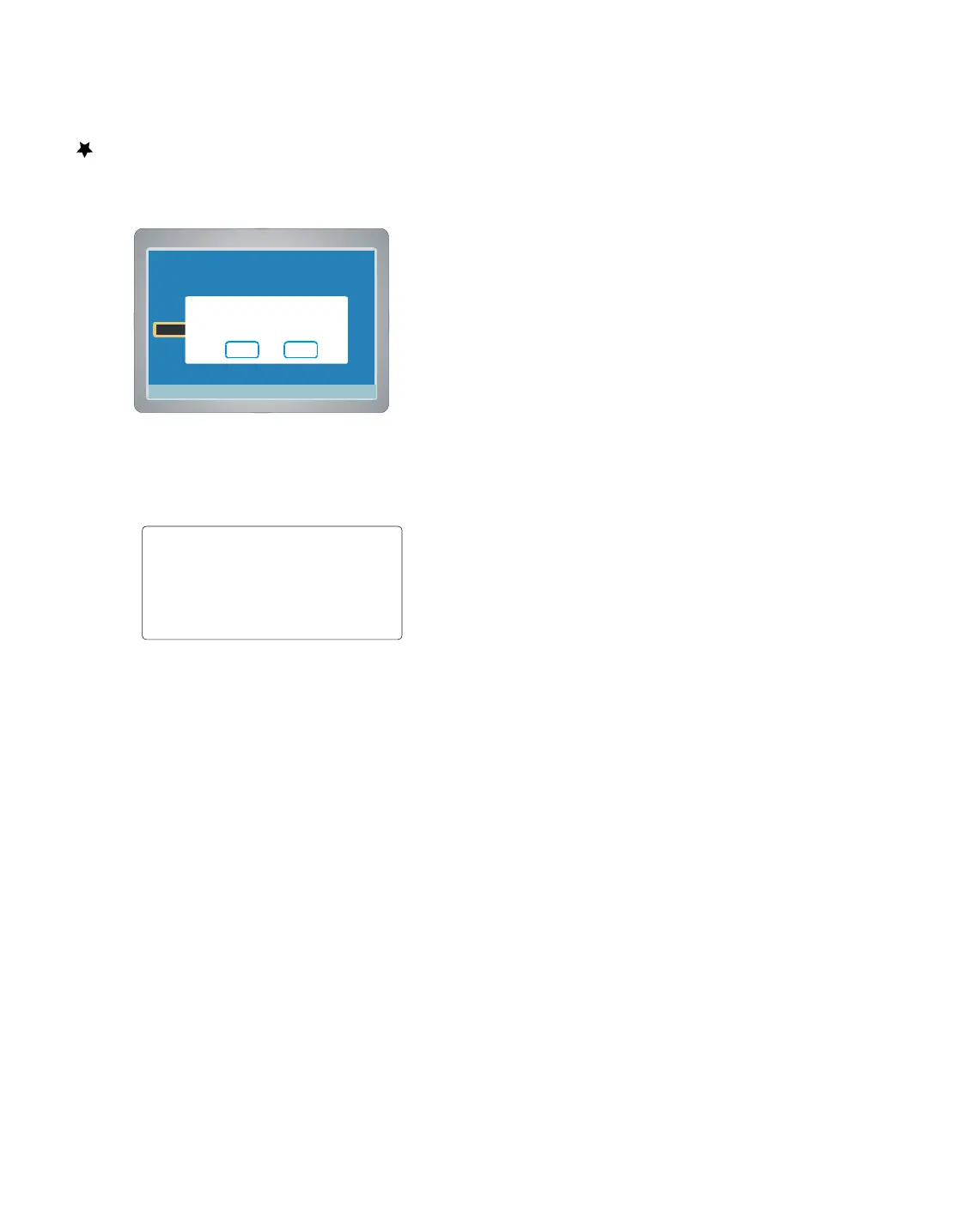
Protect Disc
Please confirm the protect of this
Disc.
Yes No
Protect Disc ( DVD+/-RW )
You can protect a disc from accidental erasure or editing.
1. Select “Protect Disc ”then press ENTER , a message appears.
2. Press to to select “Yes ”.
Note : If it is not necessary, select “No” and then press ENTER.
3. Press ENTER .
A message appears.
“Disc Operations ” screen returns.
“Protect Disc ”is change to “Unprotect Disc ”.
4. Press, “Menu ”screen returns.
5. To exit, press SETUP.



 To Next Page