32
4:3 PS
4:3 LB
16:9 Wide
Press SETUP to exit Current selection
Menu
Record Program
Setup Menu
Tuner Setup
Play/Edit Titles
Edit Disc
v
Press SETUP to exit
Play/Edit Disc
04 Titles Disc: Untitled Disc
01 Untitled
03:00 SP
01/01/04
02 Untitled
03:34 EP
01/01/04
03 Untitled
10:05 SP
01/01/04
TITLE DELETE
TITLE RENAME
CANCEL
PLAY TITLE
Please confirm the deletion of
Untitled?
Yes No
4:3 PS
4:3 LB
16:9 Wide
Press SETUP to exit Current selection
Rename
New :
Now : Untitled
Delete
0 2 3 4 5 6 7 8 9
k l m n o p q r s t
u v w x y z
Clear
Done Cancel
Managing the disc contents
When a recording is made to disc, the following information is also
stored at the begining of the recording:
Name of the recording. If the TV station does not transmit a name,
only the channel number and time will be stored as the name.
Length of the recording.
Recording quality.
Date of the recording.
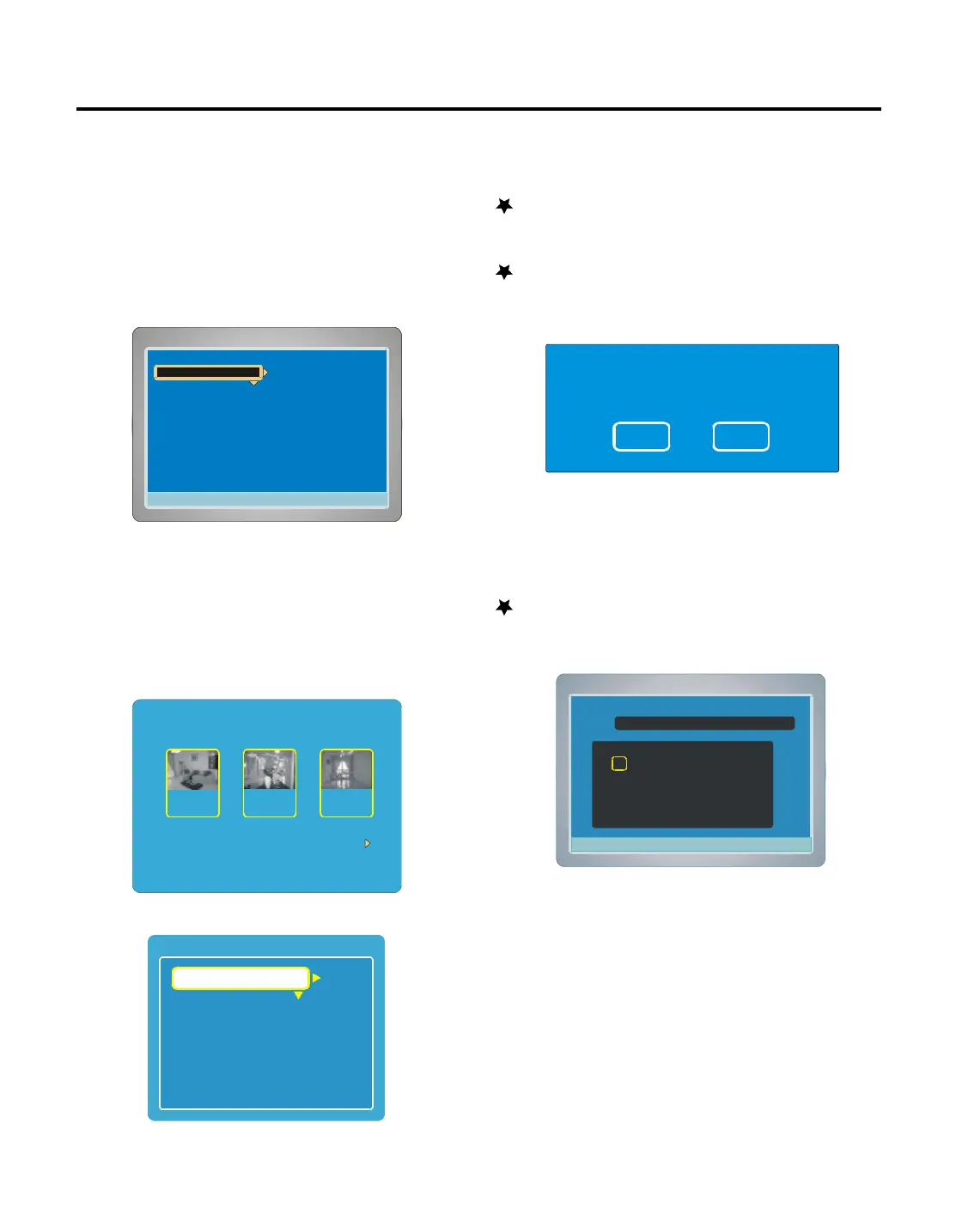
1. Press SETUP in full stop mode, “Menu”screen appears on the TV
screen, “Play/Edit Disc” is highlighted.
2. Press ENTER or to select the sub menu,
Playing/Edit Titles
1. Select “Play/Edit Titles ”in “Menu”screen, then press ENTER ,
“TITLE MENU ”appears breifly on the TV screen.
The title menu screen appears.
2. Press / to select the TITLE first.
3. Press EDIT, the edit screen appears.
4. Press / to select the item.
PLAY TITLE ( DVD+/-RW & DVD+/-R )
Select “PLAY TITLE ”, then press ENTER , the selected title starts
playback.
TITLE DELETE ( DVD+/-RW )
1. Select “TITLE DELETE ”, then press ENTER , a message appears.
2. Press to to select “Yes ”.
Note : If it is not necessary, select “No” and then press ENTER.
3. Press ENTER , then please wait until “PLEASE WAIT...” disap-
pears on the TV screen.
The title menu (with “DELETED ”) screen returns.
TITLE RENAME ( DVD+/-RW & DVD+/-R )
1. Select “TITLE RENAME ”, then press ENTER , “Rename” screen
appears.
2. Press ///to select the letter or number , then press ENTER
, the character appears in the box.
3. Repeat steps2 to make the new title name (up to 10 characters).
Note : If it is not necessary, select “Cancel ” and press ENTER.
If you make a mistake, select “Delete ” or “Clear ”, and
press ENTER.
Delete : Every time ENTER is pressed, the last character of the
title name is deleted.
Clear : ENTER is pressed, the title name is cleared at once.
4. Pressto select “Done ”, then press ENTER , wait until
“PLEASE WAIT...”disappears on the TV screen.
The title menu (with “RENAME ”) screen returns.
5. To exit , press SETUP.



 To Next Page