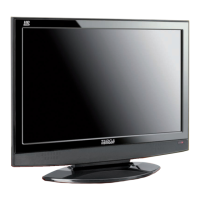
Targa Visionary LT 2210 Getting Started
English - 7
Getting Started
The LT 2210 offers multiple connection possibilities. These allow you to include
the device more easily into any existing installation.
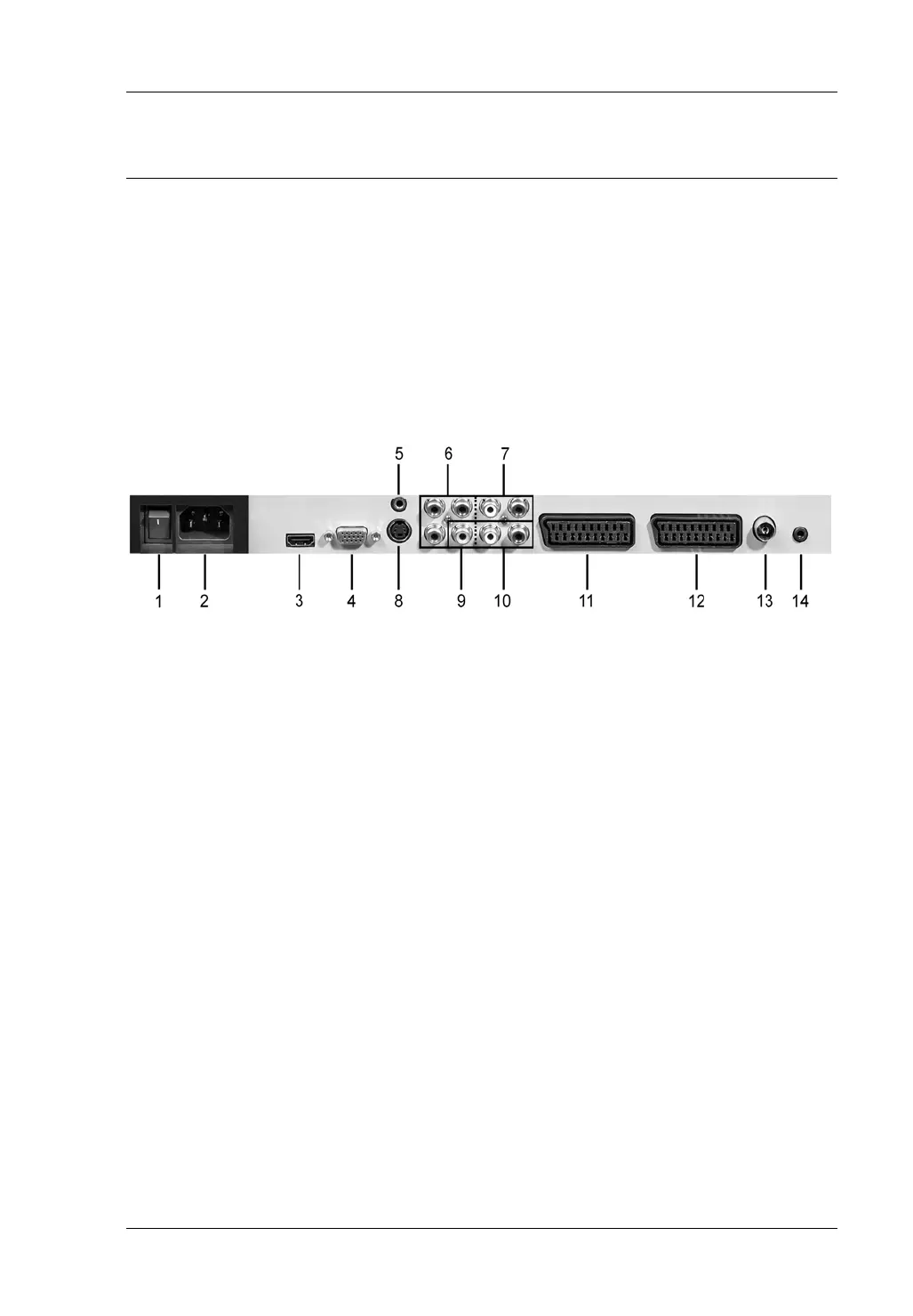
The Connection Panel
On the device’s back panel you’ll find the input connector panel. Depending on
the capabilities of the device to be connected you can choose a specific
connection type. Of course you may connect multiple playback devices and
enable them via the Source selector.
1 Power switch
2 Power cable receptacle
3 HDMI input
4 VGA input
5 Audio input for VGA connection
6 Component input (YPbPr)
7 Audio input for component connection
8 S-Video input
9 Video input
10 Audio input for S-Video or Video connection
11 Scart 1
12 Scart 2
13 RF IN for TV
14 Headphones jack


 To Next Page