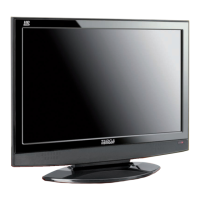
Targa Visionary LT 2210 Table of Contents
English - 1
Table of Contents
Introduction 3
Safety Instructions .................................................................................................3
Positioning .............................................................................................................5
Intended Use .........................................................................................................6
Package Contents .................................................................................................6
Getting Started 7
The Connection Panel ...........................................................................................7
Connecting the Devices.........................................................................................8
HDMI....................................................................................................................8
VGA .....................................................................................................................8
S-Video ................................................................................................................9
Component connector .........................................................................................9
Scart (Euro AV)..................................................................................................10
RF (Antenna connector).....................................................................................10
Inserting the Batteries..........................................................................................11
Switching the Device On and Off.........................................................................11
Powering On ......................................................................................................11
Powering Off ......................................................................................................11
Selecting the Input Source...................................................................................12
Via the Remote Control .....................................................................................12
Via the Control Panel.........................................................................................12
Adjusting the Volume...........................................................................................13
Switching Preset Programmes ............................................................................13


 To Next Page